How to Pay for YouTube Premium with a Crypto Card in 2026
Learn how to pay for your YouTube Premium subscription in 2026 using the Fizen Virtual Card. A simple, reliable guide for nomads to manage digital payments.


Quick Answer: You can easily pay for your YouTube Premium subscription in 2026 by using your Fizen Virtual Card as a standard Visa/Mastercard payment method within your Google account settings. Simply top up your Fizen wallet with supported cryptocurrency, link your virtual card to YouTube, and enjoy an ad-free experience.
It is 2026, and digital subscriptions are essential for the modern traveler. Yet, many expats and digital nomads continue to face the frustration of regional card restrictions or the hassle of keeping traditional bank accounts open in their home countries just to pay for basic services like YouTube Premium. Trying to maintain your subscriptions while hopping between borders should not require juggling multiple fiat currency bank accounts or worrying about transaction blocks.
Making Digital Payments Work for You
In 2026, the financial landscape has shifted to accommodate borderless lifestyles. Using a cryptocurrency-backed virtual card is now a standard, efficient way to manage online subscriptions. By converting your digital assets into a usable payment method, you bypass the limitations of traditional, slow-moving banking systems. This approach provides you with the flexibility to pay for digital services globally using the assets you already hold, without needing to convert to local fiat cash first.
Why Fizen is Your Digital Subscription Partner
The Fizen Super App is designed to bridge the gap between your crypto wallet and the global retail ecosystem. With our Virtual Card feature, you receive a globally accepted payment credential that functions just like a standard card. You simply top up your Fizen wallet, generate your card, and use it anywhere online that accepts Visa or Mastercard. It is a secure, direct, and transparent way to manage your recurring digital costs.
How to Set Up Your Subscription
- Get your Download the Fizen app
- Load the balance with USDT/USCD
- Open your YouTube app or website and head to the "Purchases and Memberships" section.
- Select "Add Payment Method" and enter your Fizen Virtual Card details.
- Confirm the transaction, and your premium access will be active immediately.
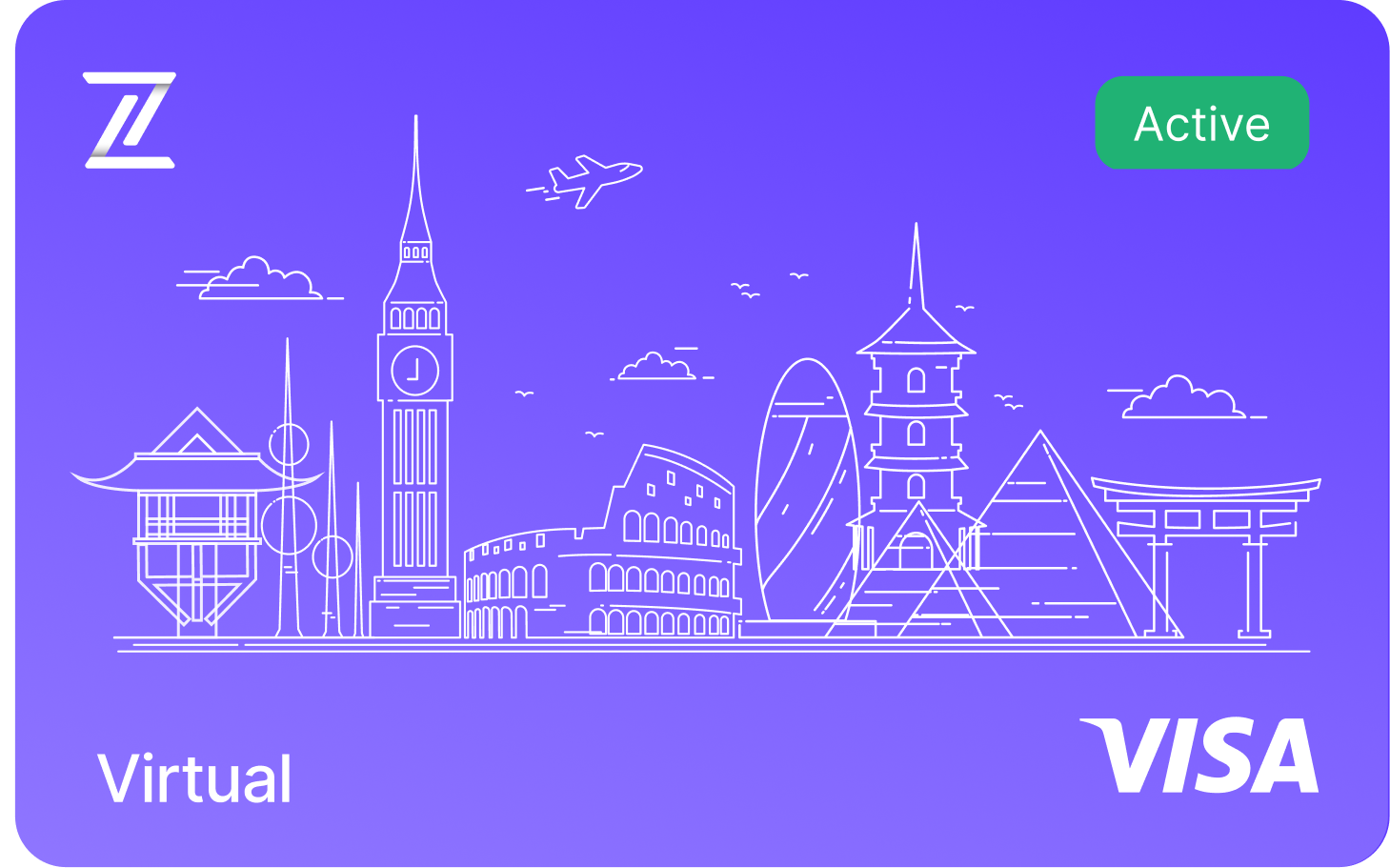
Fizen Virtual Visa Card
The best card for SaaS, ChatGPT, Claude, Netflix, Spotify, Amazon, Google, Meta, Tiktok Ads. Spend USDT like cash globally.
See more in Streaming
- Discord Nitro with Crypto, Boosts, Emojis, HD Streaming via USDT
- YouTube Premium + Google One, One USDT Card for All Google Billing
- Spotify Premium Without a Bank Account, USDT Visa That Auto-Renews
- Netflix with USDT: Auto-Renew, No Gift Cards, No Bank, Work Everywhere
See more in AI Tools
- Perplexity Pro for Crypto Holders, USDT to Visa, No Off-Ramp
- GitHub Copilot + USDT, The Dev Card That Actually Works on Stripe
- USDT Visa Card for ChatGPT Plus, $20 Should Cost $20
See more in Ads & Marketing
- TikTok Ads with USDT, Up to 100 Cards, Zero FX on Ad Spend
- Pay for Google Ads with Crypto: USDT Card Guide (No Bank Required)
- 10 Best Crypto Cards for Media Buyers in 2026
FAQ
Can I use my Fizen Virtual Card for all subscription services?
Yes, as long as the merchant accepts standard Visa or Mastercard payments, your Fizen Virtual Card will work for YouTube Premium, streaming platforms, and other online subscriptions in 2026.
Are there transaction limits for using the Fizen card on YouTube?
Your Fizen card operates within the limits set in your app settings. You can easily manage these limits to ensure your recurring YouTube Premium payments are processed without interruption.
What should I do if my payment is declined?
First, ensure you have sufficient balance in your Fizen wallet. If the balance is sufficient, check the "Card" tab to confirm your card is active and that online transactions are enabled.
Do I earn cashback when I spend?
Yes. Card spending earns rewards you can take as gift cards, USDT, or the $FIZEN token, whichever you prefer. If you like the token, the earlier you start, the more the same spend earns.
Related guides
- Fizen Card, The Crypto Card for Netflix, YouTube, Spotify
- How to Pay for Spotify with a Card in 2026
- How to Use Your Fizen Card for HBO Max
Card keeps getting declined? Fix it once
Terms and conditions
- Information only. Fizen publishes this article to inform, not to sell. Nothing here is an offer or solicitation, and it is not financial, investment, legal or tax advice. Prices, rules and availability change; check official sources.
- For readers in the United States. This article provides information only. It is not an offer, solicitation or sale of any product or service, and it is not financial, investment, legal or tax advice. Fizen is not offered to US Persons.
- Full terms. Master Terms of Use, Privacy Policy and Disclaimer on the Fizen site.