We Put $10 in the App for You. Claim It First. Plan the Trip Later.
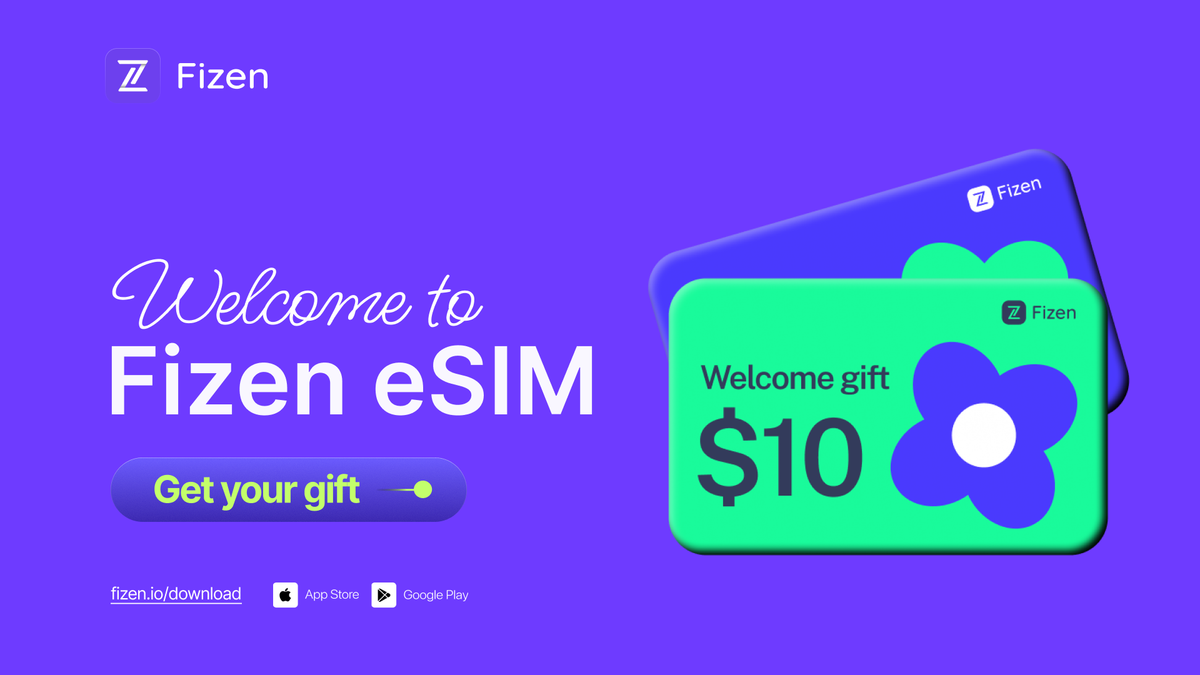
You don't need a trip to claim it. The $10 eSIM gift is added the moment you open the app, and it waits for you for 12 months. The campaign window won't last forever.

Key takeaways
- Every new Fizen account gets $10 of eSIM credit, added automatically. There is no code and no form.
- The campaign is live. The rules allow a cap on welcome credits, so it can close without much notice.
- Once claimed, the credit is valid for 12 months. Claiming now works even if your trip is months away.
- It applies to eSIM plans in 150+ countries, is applied automatically at checkout in the app, and every purchase adds $2 back.
Campaign status: live, opened 19 August 2026. It may close once the welcome cap is reached. The Campaign Rules show the live status.
Fizen gives every new account $10 of eSIM credit as a welcome. It is added automatically when you open the eSIM tab for the first time. No code, no form, no email to confirm.
This page covers three things: how to claim it, what it actually covers, and the two dates worth knowing.
How to claim your $10
- Download the Fizen App (iOS or Android).
- Create your first Fizen account.
- Open the eSIM tab. The $10 is there.
That is the whole process. There is no promo code for this one; creating the account during the campaign window is the claim.
🎁 Your $10 welcome credit is waiting in the app. Claim it now →
What the credit covers
Fizen eSIM plans start at about $4 and cover 150+ countries. The credit works as a discount applied in the app at checkout: a $10 plan takes up to $3 of credit, a $20 plan up to $6, and the rest of your balance stays for next time. After each successful purchase, $2 is added back to your balance.
It is promotional credit, not cash. It pays for eSIM plans in the app and cannot be withdrawn or transferred.
The two dates worth knowing
- The claim window. The campaign is live now, and the rules allow Fizen to cap the number of welcome credits, so it can close without much notice.
- Your credit's validity. 12 months from the day it lands. New credit extends the whole balance for another 12 months.
Put together: if you travel at all in the next year, claiming now is the practical move. It takes a couple of minutes today, and the credit waits for whichever trip comes first.
Who gets the most out of it
- Travelers landing without data. Plans, installed before the flight, so you skip both the airport SIM counter and the $10-a-day roaming pass.
- People whose next trip is months away. The 12-month validity is for you. Claim now, use it at Christmas.
- Crypto event travelers. Flying to TOKEN2049 Singapore in October? Korea Blockchain Week in Seoul, ETHGlobal Tokyo, Solana Breakpoint in London, Singapore Fintech Festival or Money20/20 in Las Vegas? Conference trips are exactly what this credit is for: land connected before the side events start, pay for the plan in USDT straight from your wallet, and let the $10 cover a real chunk of the week's data.
- Digital nomads. One balance covers 150+ countries, and you can pay in USDT or by card.
- Students and long-stayers. Data that works before you have a local bank account.
- Frequent business travelers. For a work trip, fixed data runs out at the worst moment, so this is where the unlimited plans earn their keep: hotspot for the laptop, calls over data, no meter anxiety between meetings. Install before boarding, and if an eSIM ever fails, the 1:1 Trip Guarantee replaces it free.
The fine print, in plain words
- Credit, not cash: spendable on eSIM data plans in the app.
- Up to 30% per eligible order; checkout shows the exact amount before you pay.
- Valid 12 months once claimed.
- Full Campaign Rules apply, and they win if anything here differs.
Frequently asked questions
How do I claim the $10 welcome credit?
Download the Fizen App, create your first account, and open the eSIM tab. The credit is added automatically. There is no code to enter and nothing to subscribe to; creating the account is the claim.
How long is the offer available?
The current window opened at 09:10 (GMT+7) on 19 August 2026 and is live now. The Campaign Rules also allow a cap on the total number of welcome credits, so the window can close earlier once the cap is reached.
If I claim now, how long do I have to use it?
12 months from the day the credit lands. If you claim this week and fly in December, the credit will still be there.
Who is eligible?
Anyone creating their first Fizen account during the campaign window, one welcome credit per person and per device. Existing accounts do not receive a second welcome, but they earn $2 in credit after every successful eSIM purchase.
Why did my $10 not cover the whole plan?
Credit applies as a discount of up to 30% per eligible order. A $10 plan takes up to $3 of credit, and the rest of your balance stays for the next order. Checkout shows the exact amount before you pay.
Can I get more than $10?
Yes, through separate programs: the website campaign on fizen.io/esim adds another $10 by email code, referrals earn $10 per friend (up to 10, counted within the campaign period), and every purchase adds $2.
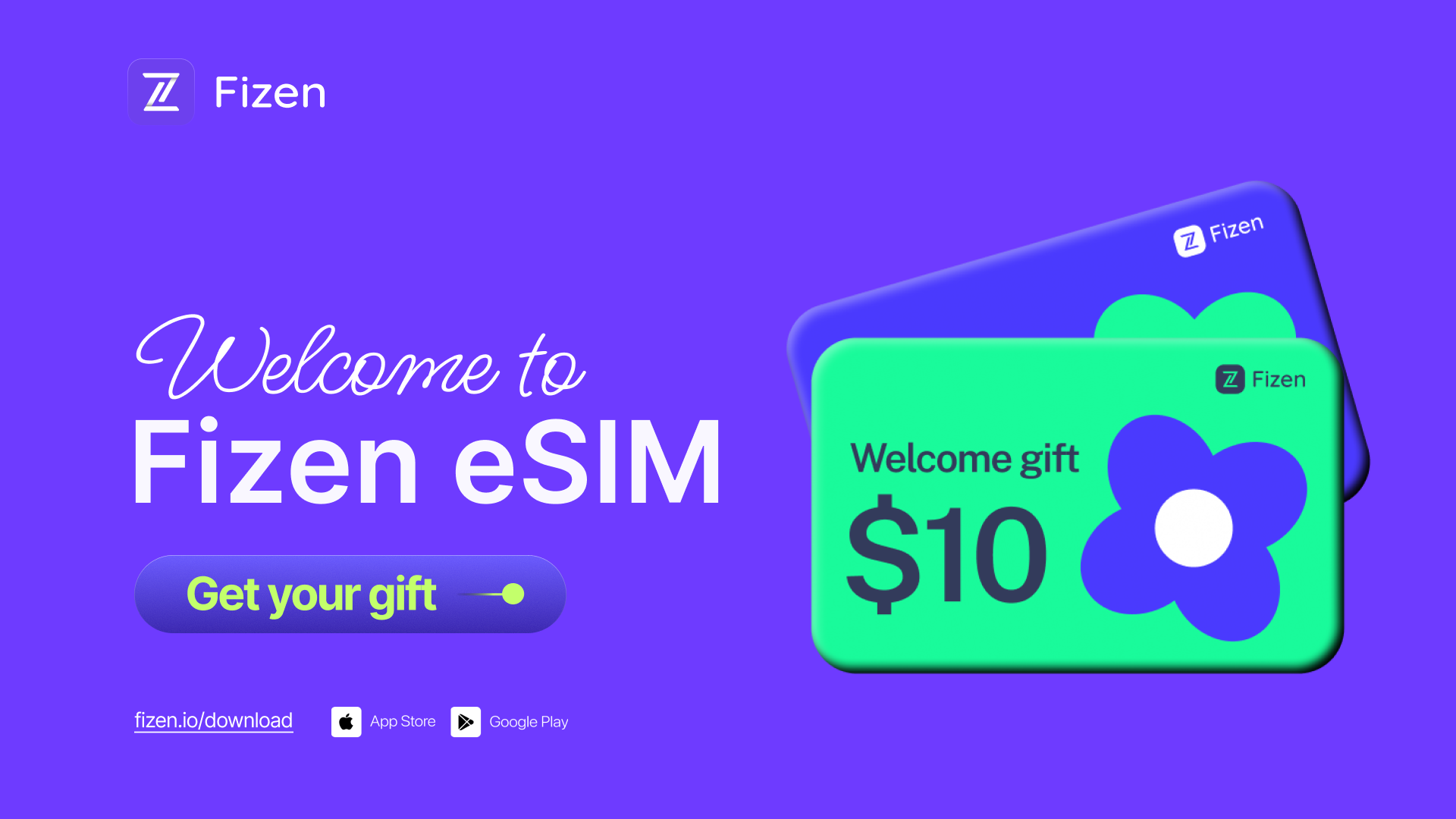
Claim your $10 welcome credit
Download Fizen, create your first account, open the eSIM tab. The credit is added automatically and stays valid for 12 months. Travel data in 150+ countries, paid in USDT or by card. Backed by an investment from Tether.
Terms and conditions
- Information only. Fizen publishes this article to inform, not to sell. Nothing here is an offer or solicitation, and it is not financial, investment, legal or tax advice. Prices, rules and availability change; check official sources.
- For readers in the United States. This article provides information only. It is not an offer, solicitation or sale of any product or service, and it is not financial, investment, legal or tax advice. Fizen is not offered to US Persons.
- Full terms. Master Terms of Use, Privacy Policy and Disclaimer on the Fizen site.
Related reading
- Best Travel eSIM 2026: Every Country, Honestly Compared
- How Fizen eSIM Credit Works: 30% Cap, $2 After Each Buy
- Refer Friends for $10 eSIM Credit Each