Why Your Card Keeps Getting Declined on Stripe, and What Actually Fixes It
34% of international users get declined on Stripe. Here is why it happens and what you can do about it.

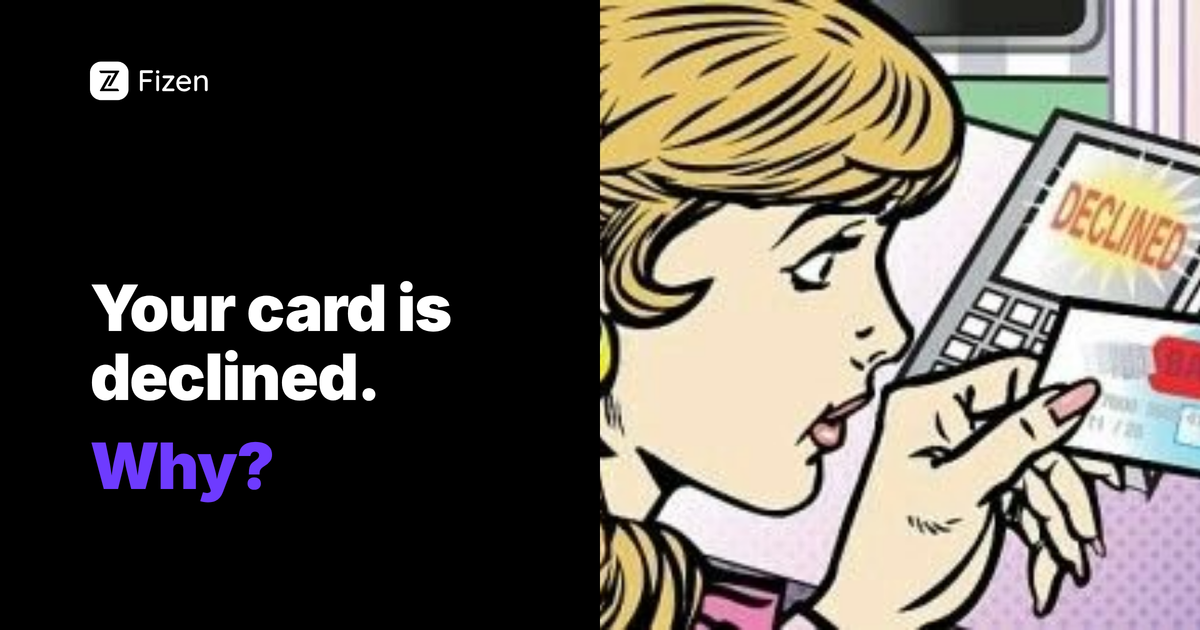
You entered your card. You clicked pay. "Your card has been declined."
You have money on the card. It has not expired. You have used it before. But Stripe, the payment processor behind ChatGPT, Cursor, Figma, Midjourney, Spotify, and hundreds of other services, rejected it anyway.
🎁 Reader bonus: Code c12M → up to 10% cashback + FiPoints on every spend. T&Cs apply.
Claim your card →You are not alone. According to community data, roughly 34% of international users encounter payment failures when subscribing to USD-billed SaaS products. The Figma forum, Spotify community, and OpenAI support are filled with the same post: "I tried 4 cards, none worked."
Why Stripe Declines Your Card
1. Your bank blocks international transactions by default
Many banks in Southeast Asia, Africa, Latin America, and Eastern Europe disable international online payments unless you explicitly enable them. Some reset the setting after a few days or a certain number of transactions. You call your bank, enable it, and two weeks later it is off again.
2. BIN blocklists
Every card has a BIN, the first 6 digits. Many international merchants maintain blocklists of BINs from certain countries as a blunt fraud prevention measure. Your legitimate payment gets caught in the net. You cannot fix this, the merchant has blocked your card issuer entirely.
3. 3D Secure version mismatch
If Stripe sends a 3D Secure 2.0 authentication request but your bank still uses 3D Secure 1.0, the payment fails silently. Neither side tells you what happened. You just see "declined."
4. Repeated failed attempts lock your account
Every failed attempt gets flagged as suspicious. After 3-4 tries, the payment processor temporarily blocks all attempts from your account, even with a valid card. Figma, Spotify, and OpenAI all have this behavior.
"We tried to complete the payment using 4 different cards, but all of them were declined. We have urgent tasks with a strict deadline.", Figma Forum user, December 2025
What Actually Works
Try a credit card instead of debit
Credit cards succeed about 78% of the time on Stripe versus 61% for debit cards. If you have both, try credit first.
Use Apple Pay or Google Pay
Mobile wallet payments bypass traditional card processing. Community reports show an 83% success rate for ChatGPT payments through Apple Pay.
Try incognito mode
Cached data and cookies from previous failed attempts can cause subsequent failures. A clean incognito session often resolves it.
Use a virtual card issued by an international bank
If your local bank card is the problem, and for millions of people, it is, the permanent fix is a card issued by a bank that Stripe universally accepts. Virtual cards from international issuers like DBS Bank Singapore process as standard Visa cards on Stripe, regardless of where you are located.
The issue is not your money. It is your card issuer. Changing the issuer changes the outcome.
Services Where This Problem Is Most Common
- ChatGPT Plus / Pro, Stripe, USD billing
- Cursor Pro, Stripe, USD billing
- Figma Professional, Stripe, USD billing
- Midjourney, Stripe, USD billing
- Spotify Premium, varies by region
- Adobe Creative Cloud, varies by region
- Netflix, varies by region
- DigitalOcean, rejects prepaid cards entirely
If your card fails on one Stripe merchant, it will likely fail on all of them. Fixing it once fixes it everywhere.
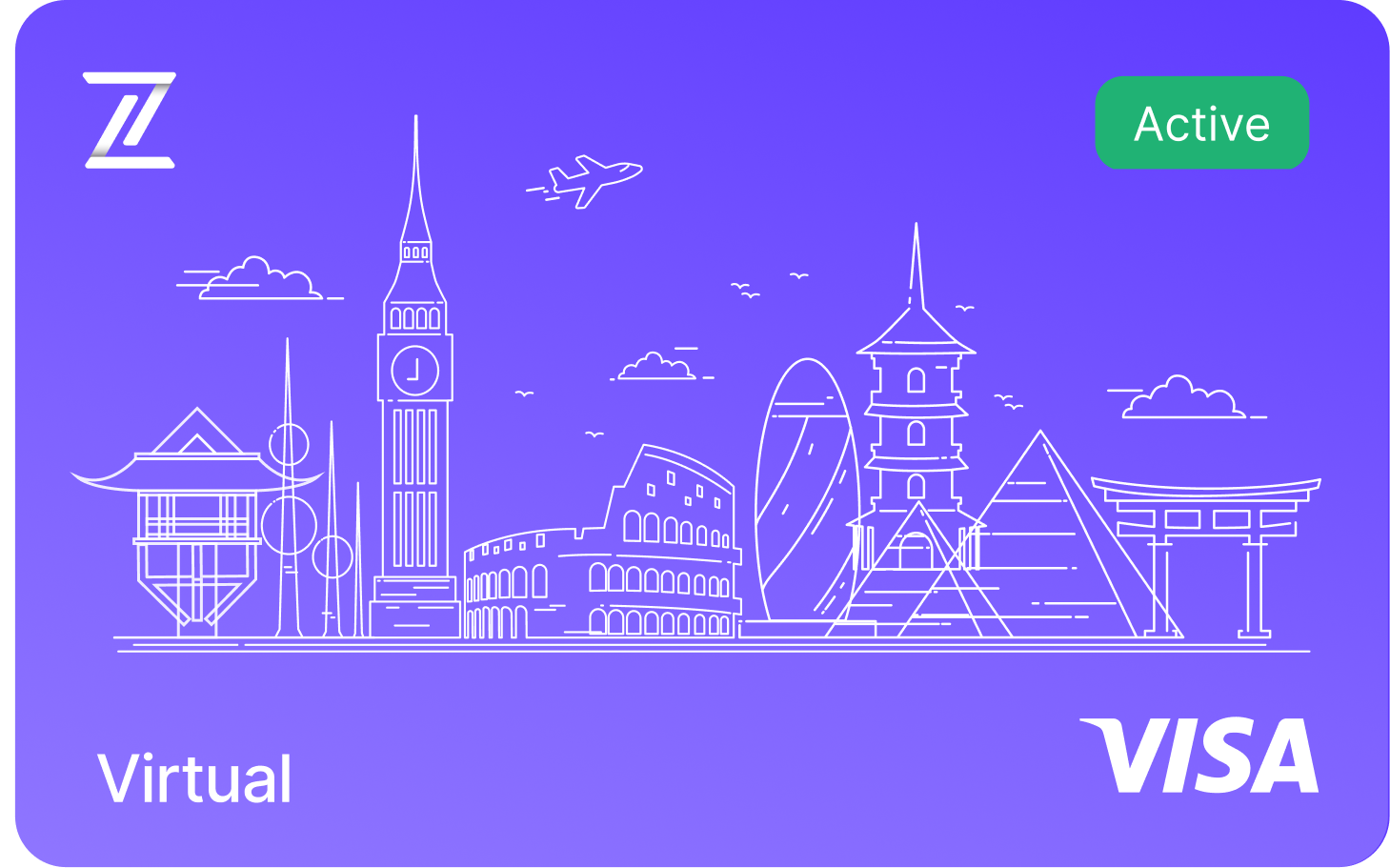
Fizen Virtual Visa Card
The best card for SaaS, ChatGPT, Claude, Netflix, Spotify, Amazon, Google, Meta, Tiktok Ads. Spend USDT like cash globally.
See more in Guides & Comparisons
- Gift Cards vs Virtual Cards vs Crypto Cards, Which One Actually Works for Subscriptions?
- I Tried 4 Cards and None Worked, Why Banks Block International Online Payments
- The Hidden Fee Your Bank Charges Every Time You Pay in USD
- No Credit Card? Here's How People Actually Pay for Online Subscriptions
See more in AI Tools
- Perplexity Pro for Crypto Holders, USDT to Visa, No Off-Ramp
- GitHub Copilot + USDT, The Dev Card That Actually Works on Stripe
- USDT Visa Card for ChatGPT Plus, $20 Should Cost $20
See more in Streaming
- Discord Nitro with Crypto, Boosts, Emojis, HD Streaming via USDT
- YouTube Premium + Google One, One USDT Card for All Google Billing
- Spotify Premium Without a Bank Account, USDT Visa That Auto-Renews
"Your card was declined. Please try a different card."
If Stripe shows this exact message, the decline came from your card's issuer, not from the merchant. The merchant never sees why. The usual culprits, in order: your bank blocks the merchant category, the card's BIN range is flagged for online or cross-border payments, 3-D Secure failed silently, or the card simply does not support recurring billing. Retrying the same card rarely helps; the block is on the issuer's side.
The fastest reliable fix
Switch to a card whose issuer does not fight the charge: a virtual Visa funded from a self-custody USDT balance processes as a standard Visa, which is what Stripe-billed services expect. Issue it in minutes, load only what you plan to spend, and attach it to the subscription. Every renewal also earns cashback you can take as gift cards, USDT, or the $FIZEN token.
Stripe says my card was declined but my bank shows no attempt. Why?
The issuer rejected the authorization before it reached your statement. Stripe only relays the issuer's answer, so the fix is a different card, not a retry.
Does this fix work for ChatGPT Plus, Claude, and Midjourney?
Yes. They all bill through Stripe or similar processors, so a standard-processing virtual Visa resolves the same decline across all of them.
📬 The Fizen starter kit
Subscribe free and get the reader bonus code plus the 5 guides that actually matter, straight to your inbox.
Subscribe free →Fizen Card is issued under applicable regulations. Users should verify availability in their jurisdiction. This article is for informational purposes only and does not constitute financial advice. More details about Fizen Card, please refer to Fizen Card Docs and Terms of Use.
Card Declined on ChatGPT, Figma, Cursor or Spotify? Here Is Why
A card declined on Stripe-billed apps like ChatGPT, Figma, Cursor, or Spotify usually comes down to three things: your billing country does not match the card, the address fails an AVS check, or 3DS verification does not complete. Pinning down which one lets you fix it in minutes.
The most common fix is to match your billing details to what your issuer has on file, character for character. If a specific tool only accepts certain regions, a virtual Visa card issued in a supported region gets the payment through.
Why does Stripe keep declining my card?
Stripe declines a card when the billing country does not match the card, when the address fails AVS, or when the card triggers a risk rule. Matching your billing details to your issuer's records clears most soft declines.
How do I fix a card declined on Cursor or Figma?
Use a card whose country and billing address match, and copy the address exactly as your issuer stores it. If the tool only accepts certain regions, a virtual Visa card in a supported region gets the charge approved.
Pay for your subscriptions with crypto
The most common reasons Stripe declines your card
A Stripe decline almost never means your card is broken. It usually means one of these:
- Your bank blocks the merchant type: online, foreign or high-risk. AI tools and crypto-adjacent brands get flagged a lot.
- The card failed 3D Secure: the extra verification step Stripe triggers for many subscriptions.
- A region mismatch: the billing country on the card does not line up with what the merchant expects.
- Velocity or fraud rules: too many attempts, or a brand-new card used on an unfamiliar merchant.
- A prepaid or gift card: many simply cannot handle recurring billing.
How to stop it happening every month
A retry might push one payment through, but if your card keeps getting declined on Stripe, the durable fix is a card actually built for online subscriptions: one that passes 3D Secure, works internationally, and handles recurring charges without your bank second-guessing every AI or SaaS merchant.
Which services this covers
The same Stripe-decline pattern shows up across most modern subscriptions: OpenAI (ChatGPT), Anthropic (Claude), Cursor, Figma, Notion, Perplexity, Adobe, Spotify and Netflix, plus hundreds more. Fix the card once and they generally all start working, because they all run on the same billing rails.
More questions
Why does Stripe decline a card that works everywhere else?
Usually your bank is blocking that specific merchant type (online, foreign or subscription), or the card failed 3D Secure. It is about how the card is set up, not always about funds.
Will retrying the same card work?
Sometimes, but if it keeps declining, the reliable fix is a card built for international online subscriptions rather than another retry.
Stripe decline codes, in plain English
If your receipt or error mentions a specific code, here is what each usually means and what fixes it:
- do_not_honor: the bank refused without a clear reason, usually a block on the merchant type. A card built for online subscriptions typically clears it.
- card_velocity_exceeded: too many charge attempts in a short window; your bank has temporarily blocked further tries. Wait, then use a card that does not trigger the block.
- generic_decline: a catch-all refusal from the bank with no detail; often the same merchant-type block. Switching to an international subscription card usually resolves it.
- authentication_required: the charge needs 3D Secure verification your card did not complete. Use a card that supports 3D Secure for subscriptions.
- repeated attempts too frequently: the bank told Stripe to block future tries after earlier declines. Stop retrying the same card and switch cards.
- do not support this type of purchase: the card cannot be used for this merchant category, common with some prepaid or gift cards. Use a proper subscription-capable card.
Notice the pattern: almost every code comes back to your bank blocking a foreign, online or subscription charge, or the card lacking a feature Stripe needs. That is why a card actually built for international online subscriptions ends the loop, rather than another retry.
Terms and conditions
- Information only. Fizen publishes this article to inform, not to sell. Nothing here is an offer or solicitation, and it is not financial, investment, legal or tax advice. Prices, rules and availability change; check official sources.
- For readers in the United States. This article provides information only. It is not an offer, solicitation or sale of any product or service, and it is not financial, investment, legal or tax advice. Fizen is not offered to US Persons.
- Full terms. Master Terms of Use, Privacy Policy and Disclaimer on the Fizen site.