Pay for Google Ads with Crypto: USDT Card Guide (No Bank Required)
Google Ads doesn't accept crypto. But a USDT-funded Visa card works like any bank card. Zero FX, zero P2P. Here's the setup.

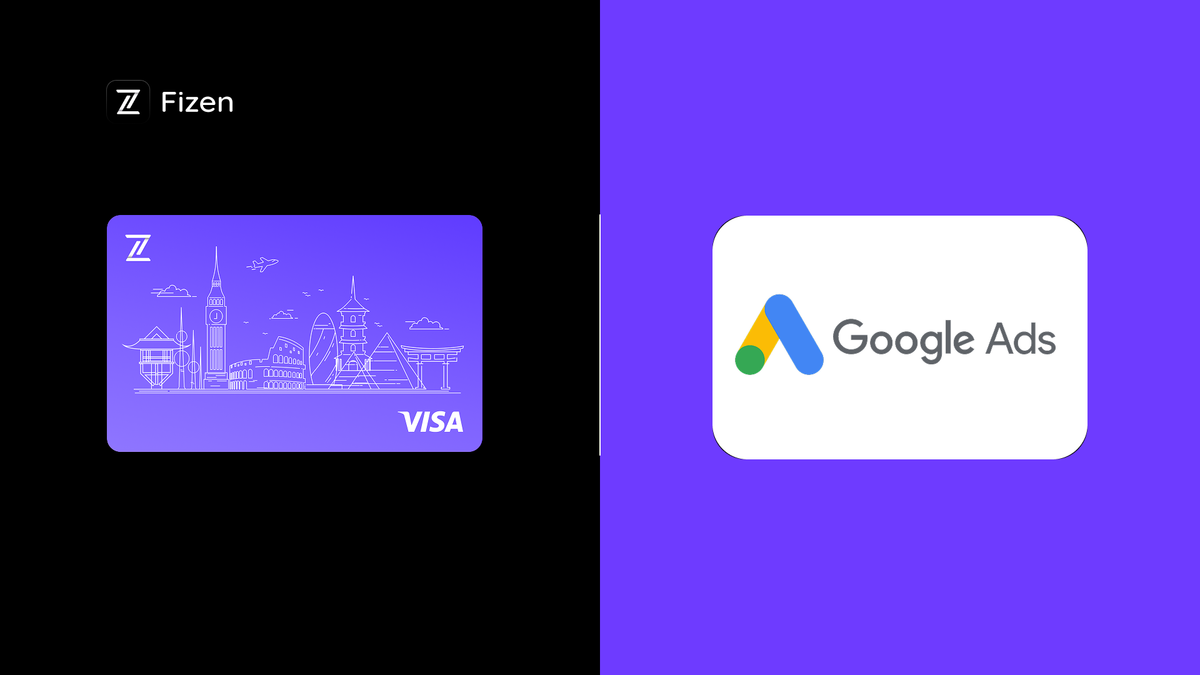
Google Ads Doesn't Accept Crypto. But Your Card Can.
Let's be clear: Google Ads does not accept USDT, BTC, or any cryptocurrency as a direct payment method. It probably never will.
But Google Ads does accept Visa and Mastercard. And a USDT-funded Visa card works exactly like a bank-issued Visa — because to Google's billing system, it is one.
The workaround is simple: USDT → Visa card → Google Ads. No P2P. No bank. No FX conversion.
Why Media Buyers Need This
Google Ads has the strictest billing system of the big three (Google, Meta, TikTok). Here's what you're dealing with:
Automatic payments. Google charges your card after you accumulate costs, at your billing threshold, or on the 1st of each month — whichever comes first. If the charge fails, Google suspends your ads immediately and gives you 7 days to fix it before account suspension.
Threshold escalation. Google starts with low thresholds ($50) and increases as you spend more ($200, $350, $500). Each time the threshold increases, there's a higher risk of decline if your card limit is tight.
One currency per account. Google Ads accounts are set to a specific billing currency. If your account is in USD but your card is in VND, you're paying FX conversion on every charge. Google doesn't give you a choice to change billing currency after setup.
Billing profile verification. Google cross-checks your card issuer country, billing address, and account region. Mismatches trigger manual review that can take 3–5 business days. During which, your ads don't run.
The Actual Problem for Non-US Advertisers
If you're running Google Ads from Vietnam, Philippines, Russia, or anywhere outside the US, here's your real situation:
FX markup: 1.5–3%. Your bank converts VND/RUB/PHP to USD, charges a markup. Google might also add a conversion fee. Double dipping.
Bank blocks on "suspicious" transactions. Banks in SEA and CIS countries flag repeated online transactions to US tech companies. Your card gets blocked. You call the bank. They unblock it. Three days later, blocked again.
P2P loop is expensive. Sell USDT on P2P (2–4% loss) → wait for bank transfer → use bank card → pay FX fees again. You're losing 4–7% of your ad budget in the chain from USDT to Google.
At $10K/month, that's $400–700 wasted. Not on ads. Not on tools. On moving money.
(Also running ads on other platforms? TikTok Ads payment guide | Facebook/Meta Ads setup guide)
How USDT → Visa → Google Ads Works
1. Top up Fizen Visa card with USDT (Solana)
2. Card holds USD balance — no intermediate conversion
3. Google Ads charges the Visa card in USD — same as any US-issued Visa
4. Your USDT balance is deducted — transparent, instant
Total FX conversion fees: $0. Total time: 5 minutes to set up.
Fizen Card vs. Real Competitors for Google Ads
Monthly Google Ads spend: $8,000. Comparing actual alternatives media buyers use:
| Fizen Card | BroCard | PST.net | Bank card (local) | |
|---|---|---|---|---|
| Card fee | $9.99 one-time | $2/card | Free | $0 |
| Top-up fee | 0% ($0) | 4% ($320) | 2–4% ($160–320) | N/A |
| Conversion fee | 0.5% ($40/mo) | 0% | 0% | 1.5–3% ($120–240/mo) |
| Decline fee | $0 | $0.50 per decline | $0 | Varies |
| Min deposit | $10 | $500 | $500 | N/A |
| Cards supported | Up to 100 | Unlimited | Multiple | 1 |
| Backed by | Tether | Independent | Independent | Bank |
| Monthly cost | ~$80–90 ongoing | ~$320+ | ~$160–320 | ~$120–240 |
| Total first 3 months | ~$300 | ~$1,000+ | ~$600–1,000 | ~$360–720 |
The real advantage:
→ Fizen's 0% top-up fee saves $240–960/month vs. BroCard (4%)
→ $0 decline fees save $50–150/month vs. cards with per-decline charges
→ 0.5% conversion fee beats 1.5–3% bank FX
→ Total cost at $8K/month: Fizen ~$90/month ongoing, BroCard ~$400+/month
The card pays for itself in the first transaction. After that, you're saving 70–80% vs. traditional alternatives. See the full 10-card comparison for media buyers.
Google Ads Billing Tips (Specific to Crypto Cards)
Keep 3x daily buffer. If you spend $200/day on Google Ads, keep at least $600 on the card. Google's threshold system can trigger unexpected charges, and insufficient balance = suspended ads.
Match your billing address exactly. Your Fizen account address should match what you enter in Google Ads billing profile. Google verifies this. Even small mismatches (abbreviated street names) can trigger manual review.
Set up backup payment method. Google Ads lets you add a backup card. Add a second Fizen card as backup. If the primary declines for any reason, Google auto-charges the backup instead of suspending your ads. Fizen supports up to 100 cards, so you can have one per account.
Use monthly invoicing if eligible. Google offers monthly invoicing for accounts spending $5K+/month. Combined with a USDT card, this gives you even more control over cash flow timing.
Don't share cards across accounts. One Fizen card per Google Ads account. This prevents a billing issue in one account from triggering reviews in others.
Setup: Fizen Card on Google Ads
1. Go to fizen.io/create-card → Connect wallet → Create card → Top up → KYC (5–10 min)
2. Issue Visa card → $9.99 one-time
3. Top up with USDT/USDC (Solana, 0% fee) → Minimum deposit $10. Recommended: 3x your daily Google Ads spend
4. Open Google Ads → Billing → Payment methods → Add card
5. Enter Fizen Visa card details → Number, expiry, CVV
6. Enter billing address → Must match Fizen account address exactly (Google verifies this)
7. Google verifies card → Small test charge → Approved
8. Optional: Create and add second Fizen card as backup payment method
Done. Your Google Ads now runs on USDT with zero FX fees.
Who This Is For
Yes:
→ You hold USDT and spend $3K+/month on Google Ads
→ You're outside the US and paying FX fees you shouldn't be
→ Your bank has declined Google Ads charges before
→ You want to separate ad billing from your personal/business bank account
No:
→ You have a US bank account with a reliable card
→ You spend less than $500/month on Google Ads
→ You don't hold crypto
Stop Subsidizing Your Bank's FX Margins
Your bank charges you 1.5–3% for the privilege of moving YOUR money. P2P platforms take another 2–4%. By the time your USDT reaches Google Ads through the traditional chain, you've lost 4–7%.
A USDT Visa card makes that number zero. The math doesn't need a long explanation.
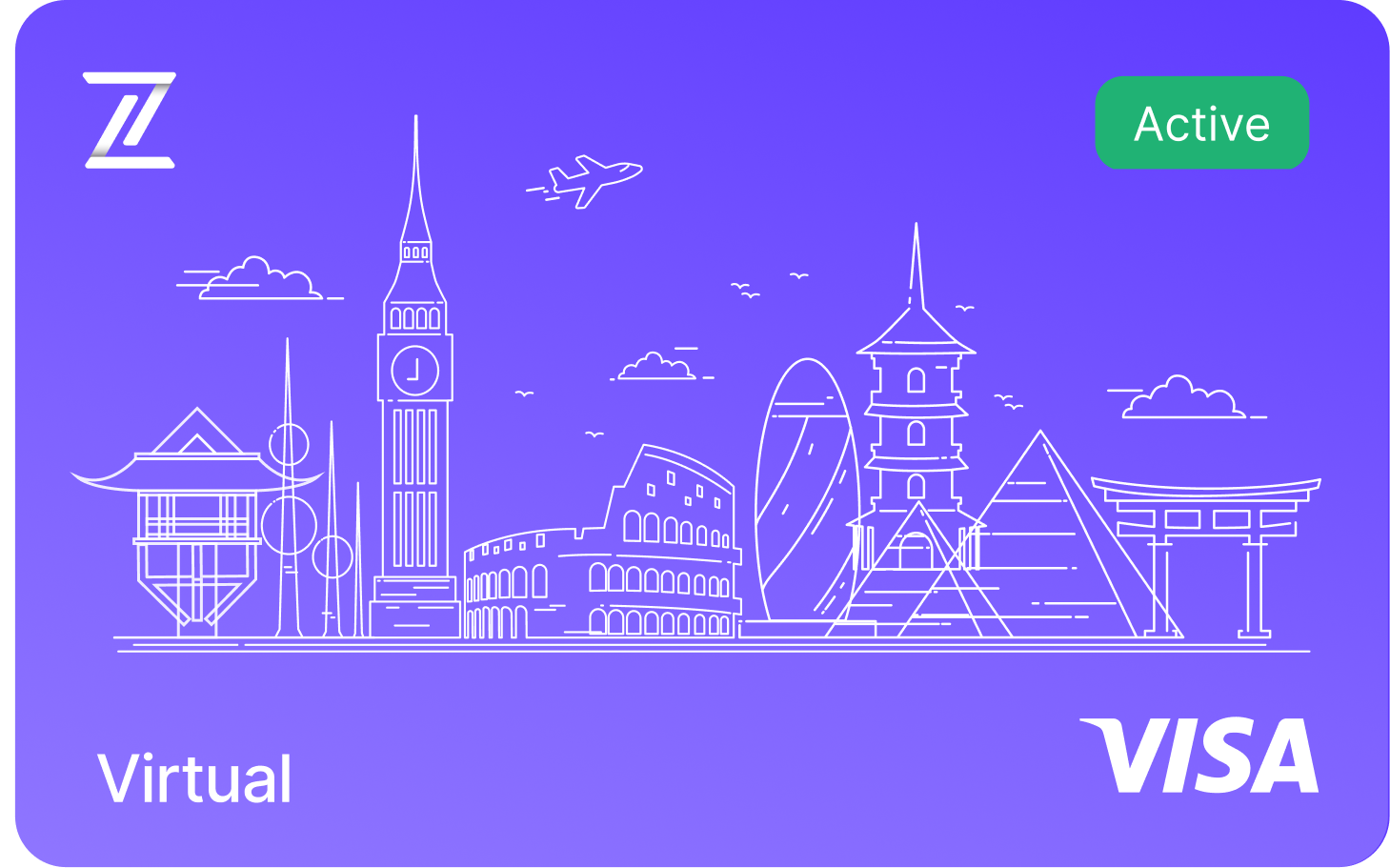
Fizen Virtual Visa Card
The best card for Google, Meta, Tiktok Ads. Spend USDT like cash
Related guides:
→ How to pay for TikTok Ads with USDT
→ Best USDT cards for Facebook/Meta Ads
→ 10 Best Crypto Cards for Media Buyers 2026
→ Fizen vs RedotPay comparison
→ Fizen vs Bybit Card comparison
Fizen is invested by Tether. USDT Visa cards that work where you need them — including Google Ads.
Need help? Reach us at support@fizen.io or connect with our support in-app or on X (Twitter) · Telegram