How to Pay for Spotify with a Card in 2026
Struggling to pay for Spotify abroad in 2026? Learn how to use your Fizen Virtual Card for seamless digital subscription payments while traveling.


Quick Answer: You can easily pay for Spotify Premium in 2026 by using your Fizen Virtual Card as a standard Visa or Mastercard payment method in your Spotify account settings. Simply link your card details during the checkout process to enjoy uninterrupted music streaming.
Streaming your favorite playlists should be seamless, but in 2026, many digital nomads and international travelers still struggle with restrictive regional payment requirements on platforms like Spotify. If your local bank card is constantly rejected due to currency mismatches or cross-border payment blocks, it can be incredibly frustrating to lose access to your account right when you need it most.
Why Digital Subscriptions Often Fail Abroad
When you move between countries in Southeast Asia, your home banking institutions often flag recurring international charges as suspicious or simply decline them because they don't support the specific merchant location. This creates a cycle of service interruptions and manual payment updates. Furthermore, many standard credit cards impose high foreign transaction fees that add up quickly over a year of subscriptions. Relying on a flexible, crypto-friendly solution is the modern way to handle your digital expenses while living a borderless lifestyle.
How the Fizen Super App Simplifies Subscriptions
Fizen addresses these friction points by providing a reliable virtual card that functions seamlessly for online services. Instead of worrying about whether your traditional bank will block a subscription charge from a different region, you can top up your Fizen wallet and use your virtual card details with the confidence that the transaction will process smoothly. It is a straightforward bridge between your digital assets and the services you rely on daily.
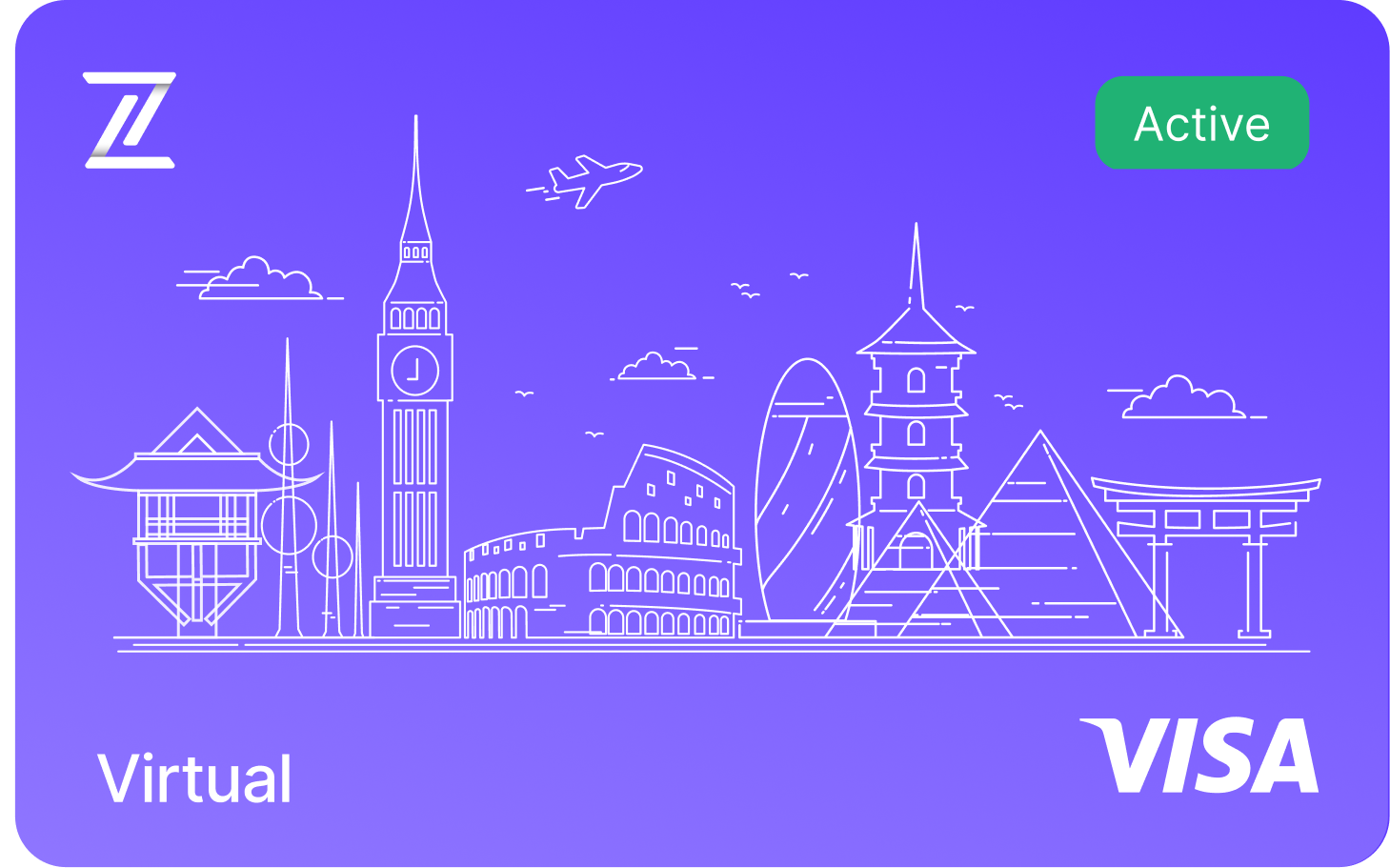
Fizen Virtual Visa Card
The best card for SaaS, ChatGPT, Claude, Netflix, Spotify, Amazon, Google, Meta, Tiktok Ads. Spend USDT like cash globally.
See more in Streaming
- Discord Nitro with Crypto, Boosts, Emojis, HD Streaming via USDT
- YouTube Premium + Google One, One USDT Card for All Google Billing
- Spotify Premium Without a Bank Account, USDT Visa That Auto-Renews
- Netflix with USDT: Auto-Renew, No Gift Cards, No Bank, Work Everywhere
See more in AI Tools
- Perplexity Pro for Crypto Holders, USDT to Visa, No Off-Ramp
- GitHub Copilot + USDT, The Dev Card That Actually Works on Stripe
- USDT Visa Card for ChatGPT Plus, $20 Should Cost $20
See more in Ads & Marketing
- TikTok Ads with USDT, Up to 100 Cards, Zero FX on Ad Spend
- Pay for Google Ads with Crypto: USDT Card Guide (No Bank Required)
- 10 Best Crypto Cards for Media Buyers in 2026
How to Use Your Fizen Card for Spotify
Managing your digital subscriptions with the Fizen Virtual Card is designed to be user-friendly. Follow these steps to set it up:
- Get your card at fizen.io/app
- Access your virtual card details
- Log in to your Spotify account through a web browser.
- Navigate to your account overview page and locate the "Your plan" or "Subscription" section.
- Choose "Update" or "Change" payment method.
- Enter your Fizen Virtual Card details, including the card number, expiry date, and CVV.
- Confirm the changes to save your new payment method.
FAQ
Can I use my Fizen Virtual Card for any Spotify region?
Yes, the Fizen Virtual Card is widely accepted for online subscriptions. Ensure your Spotify account region matches the billing address you use for your card to prevent any regional mismatches.
What should I do if my Fizen card is declined on Spotify?
If a decline occurs, first ensure that you have sufficient funds in your Fizen wallet to cover the subscription fee. Double-check that your card details were entered correctly and that your card is currently active in the Fizen Super App.
Are there extra fees when paying for Spotify with Fizen?
Fizen is designed to be cost-effective for users. Always check the current fee schedule within the Fizen Super App to understand any transaction or currency conversion fees that may apply compared to traditional banking.
Is it safe to store Fizen card details on Spotify?
Yes, using your virtual card is a secure way to pay for subscriptions. Because it is a virtual card, you can easily manage, freeze, or replace the card within the Fizen app if you ever feel your information has been compromised.
Do I earn cashback when I spend?
Yes. Card spending earns rewards you can take as gift cards, USDT, or the $FIZEN token, whichever you prefer. If you like the token, the earlier you start, the more the same spend earns.
Related guides
- Fizen Card, The Crypto Card for Netflix, YouTube, Spotify
- How to Use Your Fizen Card for HBO Max
- How to Pay for Disney Plus with a Virtual Card in 2026
Pay for your subscriptions with crypto
Terms and conditions
- Information only. Fizen publishes this article to inform, not to sell. Nothing here is an offer or solicitation, and it is not financial, investment, legal or tax advice. Prices, rules and availability change; check official sources.
- For readers in the United States. This article provides information only. It is not an offer, solicitation or sale of any product or service, and it is not financial, investment, legal or tax advice. Fizen is not offered to US Persons.
- Full terms. Master Terms of Use, Privacy Policy and Disclaimer on the Fizen site.