How to Pay for Disney Plus with a Virtual Card in 2026
Learn how to pay for Disney+ in 2026 using your Fizen virtual card. A simple, secure guide for digital nomads to handle streaming subscriptions without hassle.

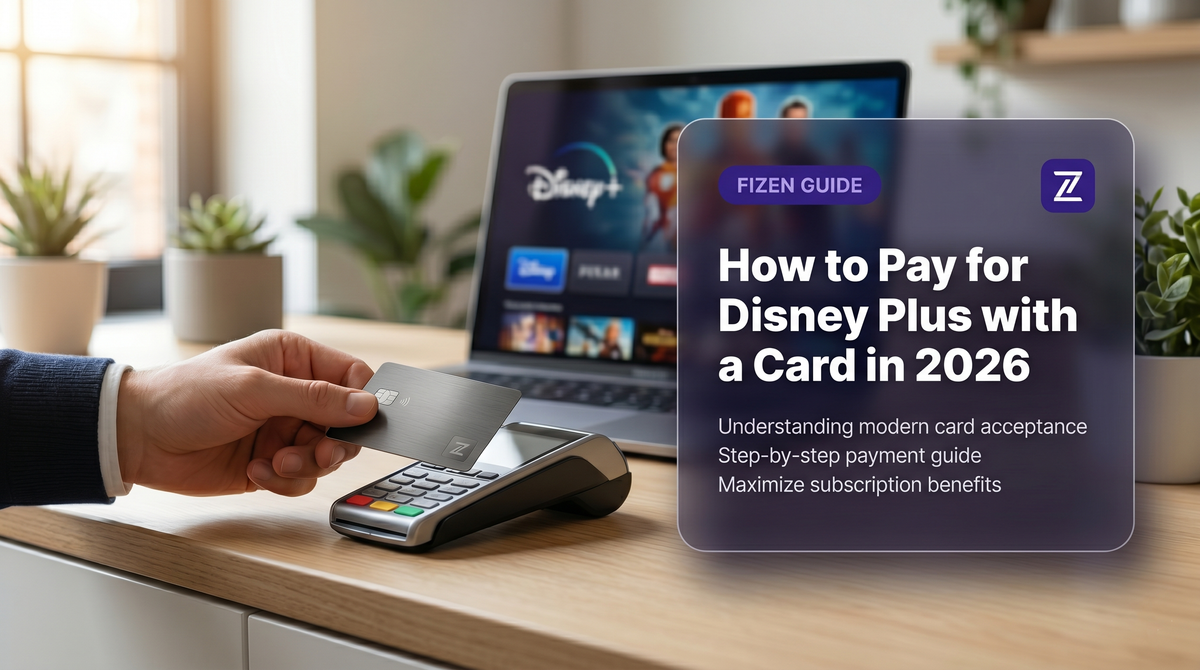
Quick Answer: You can easily pay for your Disney+ subscription in 2026 by using the Fizen virtual card, which acts as a standard Visa/Mastercard, allowing you to bypass regional payment restrictions and enjoy seamless entertainment access anywhere.
It is 2026, and as a digital nomad or frequent traveler, you know the frustration of trying to access your favorite streaming platforms while moving across borders. You sit down to watch a new release on Disney+, only to be hit with a "payment method declined" error because your local bank card doesn't align with your current region or the platform's stringent verification systems. It turns a relaxing evening into a headache of troubleshooting and wasted time.
Why Digital Payments Matter for Global Travelers
Streaming platforms like Disney+ have become increasingly strict about the cards they accept. They often cross-reference your billing address, IP location, and the issuing country of your payment method. For those of us living a nomadic lifestyle in 2026, having a reliable, flexible payment tool is essential. Traditional banks are often slow to adapt, leaving users stuck with geo-blocked accounts and subscription failures. Using a versatile virtual card allows you to manage subscriptions independently of your primary bank account's location constraints.
How the Fizen Super App Simplifies Subscriptions
The Fizen Super App is designed for the modern global citizen. By providing a virtual card that functions globally, Fizen bridges the gap between your crypto assets and the mainstream digital economy. You no longer need to rely on bank accounts that might not support international streaming services. With Fizen, you top up your account, generate your virtual card details, and you are ready to pay for services like Disney+ as if you had a local credit card.
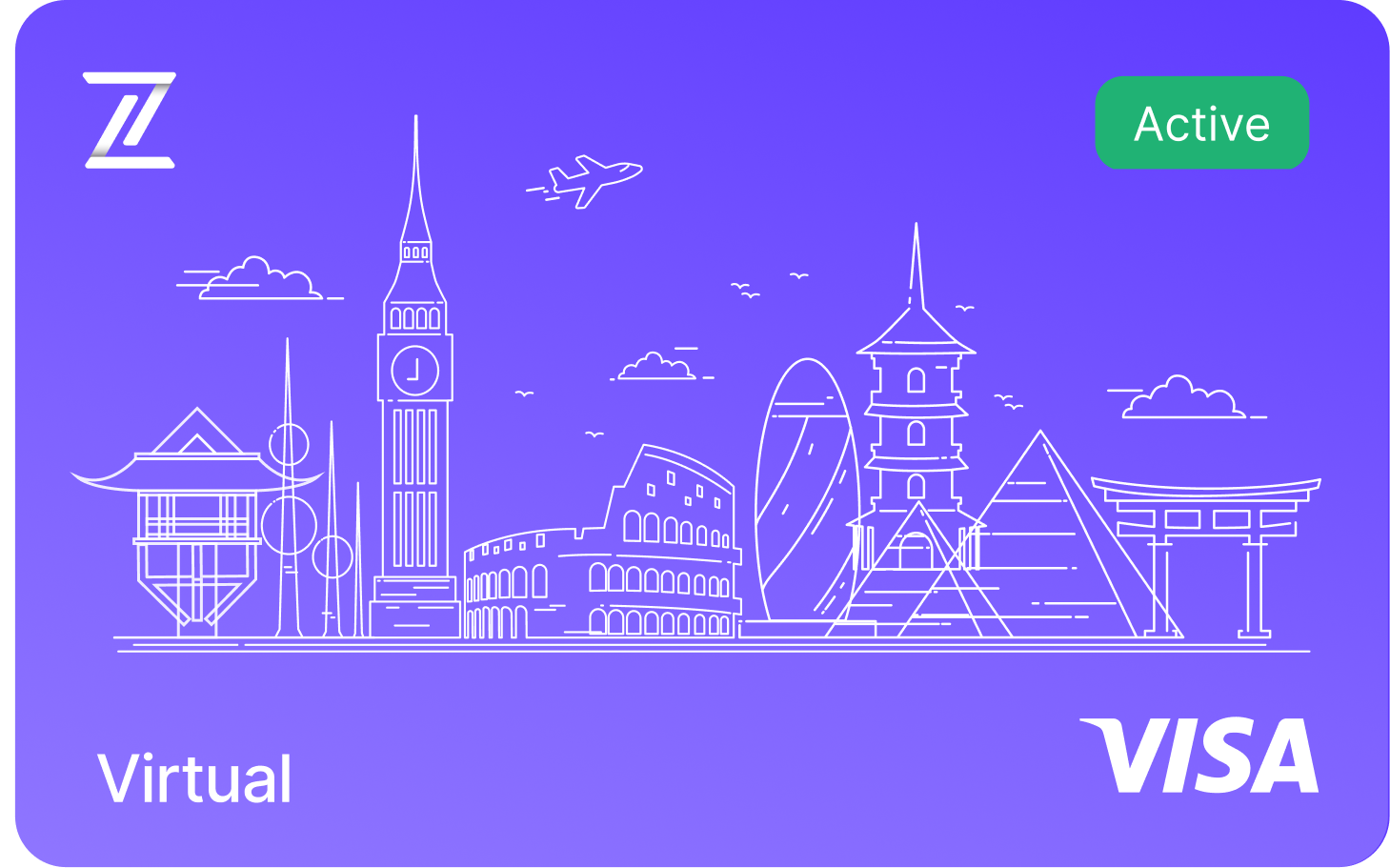
Fizen Virtual Visa Card
The best card for SaaS, ChatGPT, Claude, Netflix, Spotify, Amazon, Google, Meta, Tiktok Ads. Spend USDT like cash globally.
See more in Guides & Comparisons
- Gift Cards vs Virtual Cards vs Crypto Cards, Which One Actually Works for Subscriptions?
- I Tried 4 Cards and None Worked, Why Banks Block International Online Payments
- The Hidden Fee Your Bank Charges Every Time You Pay in USD
- No Credit Card? Here's How People Actually Pay for Online Subscriptions
See more in AI Tools
- Perplexity Pro for Crypto Holders, USDT to Visa, No Off-Ramp
- GitHub Copilot + USDT, The Dev Card That Actually Works on Stripe
- USDT Visa Card for ChatGPT Plus, $20 Should Cost $20
See more in Streaming
- Discord Nitro with Crypto, Boosts, Emojis, HD Streaming via USDT
- YouTube Premium + Google One, One USDT Card for All Google Billing
- Spotify Premium Without a Bank Account, USDT Visa That Auto-Renews
How to Use Your Fizen Card for Disney+
Paying for your subscription should be fast and reliable. Follow these simple steps to set up your Fizen virtual card on your Disney+ account in 2026:
- Get Fizen Card => Manage => Card Details
- Copy your virtual card number, expiration date, and CVV code.
- Log in to your Disney+ account via a web browser to ensure you can reach the billing settings.
- Navigate to the "Subscription" or "Billing" page and select "Update Payment Method."
- Enter your Fizen virtual card details exactly as they appear in the app.
- Save your settings and verify the subscription; the transaction will be processed instantly.
FAQ
Can I use my Fizen card for other streaming services besides Disney+?
Yes, the Fizen virtual card works across almost all major online platforms that accept standard Visa or Mastercard payments, including Netflix, YouTube Premium, and Spotify.
What should I do if my Fizen card payment is declined by Disney+?
First, check if your Fizen card has enough balance to cover the subscription fee. If the balance is sufficient, ensure that your billing address matches the region settings of your Disney+ account, as some platforms require a specific regional match for billing.
Is using a virtual card for streaming subscriptions safe in 2026?
Absolutely. Fizen uses industry-standard security protocols to protect your transactions. Since it is a virtual card, it adds an extra layer of privacy, as you don't need to expose your primary bank details to third-party streaming services.
Do I earn cashback when I spend?
Yes. Card spending earns rewards you can take as gift cards, USDT, or the $FIZEN token, whichever you prefer. If you like the token, the earlier you start, the more the same spend earns.
Related guides
- Fizen Card, The Crypto Card for Netflix, YouTube, Spotify
- How to Pay for Netflix with Your USDT Card in 2026
- Get Telegram Premium With USDT, Skip the Bank Card and the P2P Trade
Card keeps getting declined? Fix it once
Terms and conditions
- Information only. Fizen publishes this article to inform, not to sell. Nothing here is an offer or solicitation, and it is not financial, investment, legal or tax advice. Prices, rules and availability change; check official sources.
- For readers in the United States. This article provides information only. It is not an offer, solicitation or sale of any product or service, and it is not financial, investment, legal or tax advice. Fizen is not offered to US Persons.
- Full terms. Master Terms of Use, Privacy Policy and Disclaimer on the Fizen site.