How to Pay for Netflix with Your USDT Card in 2026
Learn how to pay for your Netflix subscription in 2026 using the Fizen virtual card. A secure, simple solution for digital nomads and international travelers.


Quick Answer: You can pay for Netflix in 2026 by using the Fizen virtual card as a standard Visa/Mastercard payment method. Simply input your Fizen card details into your Netflix account settings, ensuring you have sufficient balance in your crypto wallet to cover the monthly subscription fee.
Living as a digital nomad or expat in 2026 often means dealing with a fragmented financial life. You finally sit down to relax after a long day of work, only to find that your Netflix account is locked because your home-country bank card was declined or has expired. Dealing with legacy banking systems while traveling can be a major headache, especially when you need a reliable way to keep your streaming subscriptions active without being tied to a specific geographic region.
Navigating Digital Subscriptions in 2026
In 2026, streaming services like Netflix have tightened their payment verification protocols. Traditional credit cards often fail for international users due to region mismatches or strict anti-fraud measures. This is why more travelers are shifting toward crypto-backed virtual cards. These cards function exactly like conventional bank-issued cards, allowing you to bypass the hurdles of traditional banking while maintaining control over your funds via your preferred cryptocurrency.
Why Fizen Card is the Ideal Solution
The Fizen Super App offers a seamless bridge between your crypto holdings and daily expenses. By issuing a virtual card, Fizen allows you to pay for Netflix in 2026 without needing a traditional bank account in the country where you reside. Because the Fizen card acts as a recognized payment network card, it is accepted wherever standard Visa or Mastercard payments are processed. This eliminates the uncertainty of whether your payment will be flagged or rejected during the monthly billing cycle.
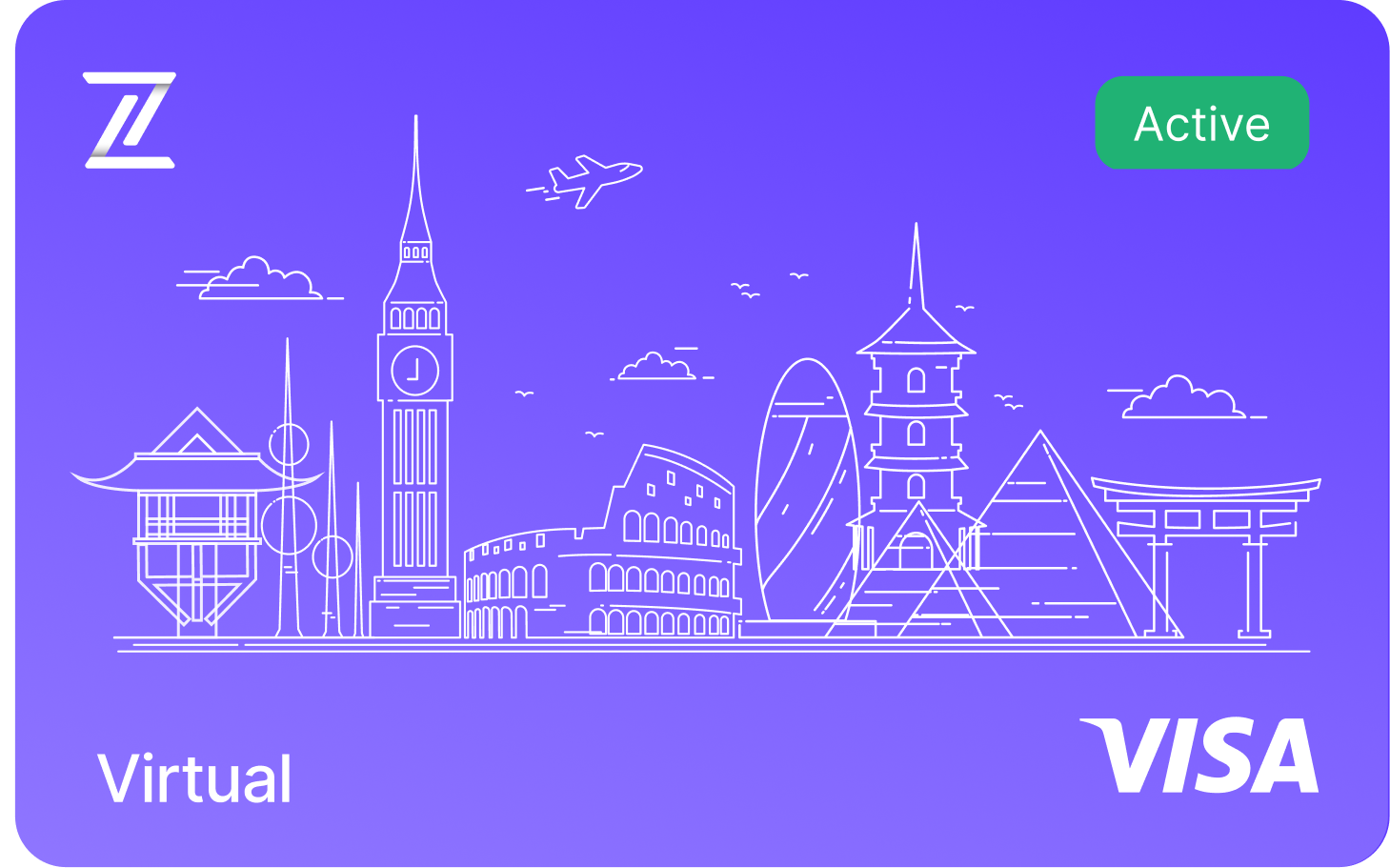
Fizen Virtual Visa Card
The best card for SaaS, ChatGPT, Claude, Netflix, Spotify, Amazon, Google, Meta, Tiktok Ads. Spend USDT like cash globally.
See more in Streaming
- Discord Nitro with Crypto, Boosts, Emojis, HD Streaming via USDT
- YouTube Premium + Google One, One USDT Card for All Google Billing
- Spotify Premium Without a Bank Account, USDT Visa That Auto-Renews
- Netflix with USDT: Auto-Renew, No Gift Cards, No Bank, Work Everywhere
See more in AI Tools
- Perplexity Pro for Crypto Holders, USDT to Visa, No Off-Ramp
- GitHub Copilot + USDT, The Dev Card That Actually Works on Stripe
- USDT Visa Card for ChatGPT Plus, $20 Should Cost $20
See more in Ads & Marketing
- TikTok Ads with USDT, Up to 100 Cards, Zero FX on Ad Spend
- Pay for Google Ads with Crypto: USDT Card Guide (No Bank Required)
- 10 Best Crypto Cards for Media Buyers in 2026
How to Use Your Fizen Card for Netflix
Getting your subscription set up with Fizen is a straightforward process that takes only a few minutes. Follow these steps to ensure your service remains uninterrupted:
- Get Fizen Card at fizen.io/app
- Top up your Fizen wallet with USDT
- Log in to your Netflix account on a web browser.
- Navigate to the "Account" section and select "Manage payment info."
- Choose to add a new credit or debit card.
- Enter the details provided in your Fizen app (Card Number, Expiry, and CVV).
- Confirm the payment, and your subscription will be active using your crypto balance.
FAQ
Can I use my Fizen card for other streaming services besides Netflix?
Yes, the Fizen virtual card functions as a standard international payment card. You can use it for Spotify, YouTube Premium, Disney+, and any other service that accepts major credit or debit card payments in 2026.
What should I do if my Fizen card is declined by Netflix?
First, ensure that your Fizen wallet has enough balance to cover the subscription fee. If the balance is sufficient, double-check that you have entered the correct card details and that your card is activated within the Fizen app. If issues persist, ensure your VPN is set to the same region as your account.
Is it safe to use a Fizen card for monthly subscriptions?
Absolutely. Using a Fizen virtual card is often safer than using a traditional bank card, as you can easily manage your limits and freeze or delete the card directly from the Fizen app if you ever feel your security has been compromised.
Do I earn cashback when I spend?
Yes. Card spending earns rewards you can take as gift cards, USDT, or the $FIZEN token, whichever you prefer. If you like the token, the earlier you start, the more the same spend earns.
Related guides
- Fizen Card, The Crypto Card for Netflix, YouTube, Spotify
- Get Telegram Premium With USDT, Skip the Bank Card and the P2P Trade
- How to Pay for Game Pass & PS Plus Without a Bank Card (2026)
Card keeps getting declined? Fix it once
Terms and conditions
- Information only. Fizen publishes this article to inform, not to sell. Nothing here is an offer or solicitation, and it is not financial, investment, legal or tax advice. Prices, rules and availability change; check official sources.
- For readers in the United States. This article provides information only. It is not an offer, solicitation or sale of any product or service, and it is not financial, investment, legal or tax advice. Fizen is not offered to US Persons.
- Full terms. Master Terms of Use, Privacy Policy and Disclaimer on the Fizen site.