Is Venue Wi-Fi Enough at TOKEN2049? Your Backup Plan (2026)
Conference Wi-Fi is fine for email. It is a risky place to run the one call that matters. Here is why crowds slow Wi-Fi, and a simple backup plan.
Quick answer: For email and chat, often yes. For a key call, a demo or a livestream, do not rely on it. Wi-Fi is a shared medium: each access point talks to one device at a time, so speed per person drops as a crowd grows. TOKEN2049 expects 25,000+ attendees. Bring your own mobile data, keep a second line ready, and test before the moment that matters.
Key takeaways
- Wi-Fi is shared airtime. Only one device on an access point can talk at a time, so more users means less speed each.
- Mobile networks feel crowds too. A study of a US carrier found connection failures rose more than a hundredfold during big events.
- Before a key call: test 10 minutes early, move away from the main hall, set video to 720p and have an audio-only fallback.
- Own data plus a backup line means one faulty eSIM or an expired plan does not leave you offline. A backup eSIM already on your phone is the simplest backup for that.
Every big conference has the same moment. A keynote ends, a few thousand people pull out their phones at once, and the Wi-Fi that worked at 9am stops loading. Nobody did anything wrong. That is how shared Wi-Fi behaves in a crowd.
Is mobile data safe from crowds?
Not fully. Cell sites also have limits. A 2013 study of a tier-1 US carrier during two big crowded events found more than two orders of magnitude increase in connection failures, even with portable base stations and free Wi-Fi to offload traffic.
So the honest answer is: no single connection is certain in a crowd. Your odds improve when you use your own data instead of the shared Wi-Fi, and when you are ready to move a few metres or step outside the busiest area. A backup eSIM helps if your main eSIM or its plan has a problem. It may use the same local network, so it does not get around a busy cell site.
What should I do before a key call or livestream?
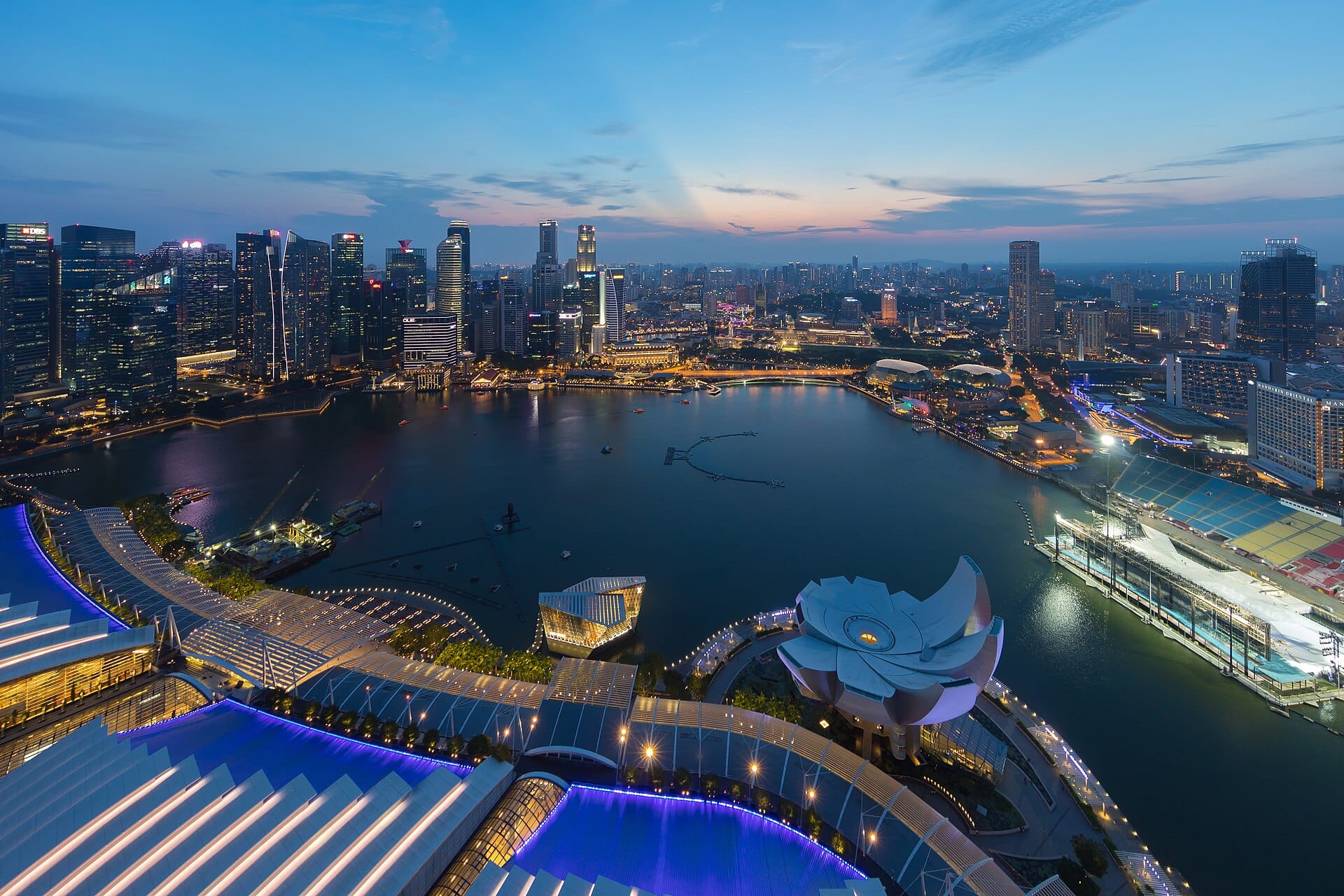
- Test 10 minutes early on the exact connection you will use. Open the call link, turn video on, check the upload.
- Move away from the crowd. A corridor, a quieter floor or a café usually beats the main hall right after a keynote.
- Drop to 720p. Zoom's 720p 1:1 video needs 1.2 Mbps each way, compared with 3.8 Mbps up for 1080p group video. For streams, YouTube recommends 4 Mbps for 720p at 30 fps.
- Have an audio fallback. Google Meet lowers video quality when bandwidth is short and suggests audio-only when video will not hold. Tell the other side you may switch.
- Cache what you can. Download the deck, the demo video and any documents on hotel Wi-Fi.
- Know your backup. Decide now which line you switch to if the first one fails, and where the setting is.
Need numbers for your data plan? See how much data a TOKEN2049 week uses.
Own data plus a backup line: how to set it up
The simplest setup for TOKEN2049 week is three layers:
- Main line: a Singapore eSIM with enough data for your calls, set as your mobile data line.
- Backup line: a second eSIM, already installed and switched off. If the main one has a problem, you turn it on in Settings and choose it for mobile data. Your phone uses one data line at a time. It covers a problem with the main eSIM or its plan, not a crowded network.
- Wi-Fi: venue, hotel and café Wi-Fi for downloads and light use.
Setup steps are in how to get a Singapore eSIM for TOKEN2049.
Hotspot etiquette for teams
Sharing one phone's hotspot feels efficient. In a crowd it usually is not.
- One eSIM per person. A hotspot splits one line's speed between every device on it. Two people on video calls through one phone will both suffer.
- Hotspot only when you need it. Every personal hotspot is one more Wi-Fi network sharing the same airwaves. Turn it off when the laptop is done.
- Check the plan allows it. Apple notes that Personal Hotspot needs a carrier plan that supports it. Confirm on your eSIM plan page before the trip.
- Set a strong password and a clear hotspot name, so strangers do not join.
- Put laptops on low data mode so they do not start updates or cloud syncs over your phone.
Frequently asked questions
Is there free Wi-Fi at TOKEN2049?
Large venues usually offer Wi-Fi, but check the official TOKEN2049 information for this year's details. Either way, treat venue Wi-Fi as a bonus, not as your only connection for calls or streams.
Why is conference Wi-Fi so slow?
Wi-Fi is shared. Each access point talks to one device at a time and splits its capacity between everyone connected. When thousands of people use it at once, each person gets less, and devices collide more.
Will my mobile data also be slow in a crowd?
It can be. Research on a US carrier found connection failures rose more than a hundredfold during large events. Moving away from the busiest spot, testing early and dropping video to 720p or audio-only improve your odds.
What is the best backup for a key call at a conference?
Your own mobile data rather than venue Wi-Fi, a quiet spot, an audio-only fallback and a backup eSIM already installed in case your main eSIM has a problem. Test the connection 10 minutes before the call.
Should my team share one hotspot at TOKEN2049?
Only for light use. One hotspot splits one line between every device. For calls and demos, give each person their own eSIM.
Your own line, plus a backup
Unlimited data for Singapore and Malaysia, up to 10 Mbps. A second eSIM in every order that you can turn on in Settings if the first has a problem. Install both before you fly. Pay in USDT on Solana or by card. Not offered to US Persons.
Terms and conditions
- Information only. This article is general information about connectivity at large events. It is not an offer or sale of any product, and it is not financial, legal or tax advice.
- For readers in the United States. This article provides information only. It is not an offer, solicitation or sale of any product or service, and it is not financial, investment, legal or tax advice. Fizen is not offered to US Persons.
- Independent. 2049esim and Fizen are not affiliated with, endorsed by or partners of TOKEN2049, Marina Bay Sands or Formula 1.
- No venue claims. We make no statement about the Wi-Fi or mobile coverage at Marina Bay Sands. The crowd effects described are general and come from the sources listed.
- eSIM terms. Prices, validity, speed and hotspot rules are those shown on 2049esim.com at checkout. Actual speed depends on network conditions. Your phone must support eSIM and be carrier-unlocked. Pay only on the website, never to someone in chat or a DM.
- Full terms. Master Terms of Use, Privacy Policy and Disclaimer on the Fizen site.
Sources
- Cisco Meraki: High density Wi-Fi deployments
- Cisco: Wireless high client density design guide
- Shafiq et al., A first look at cellular network performance during crowded events (ACM SIGMETRICS 2013)
- TOKEN2049 Singapore
- Zoom Support: Bandwidth requirements
- Google Workspace: Prepare your network for Meet
- YouTube Help: Live encoder settings and bitrates
- Apple: Personal Hotspot
Updated 22 September 2026.