9 Bali eSIM Tips for a Nomad Month in Canggu and Ubud
Villa Wi-Fi drops in a storm ten minutes before a client call. How to size a month of mobile data in Canggu and Ubud, which network you land on, and the two days a year Bali switches mobile data off.
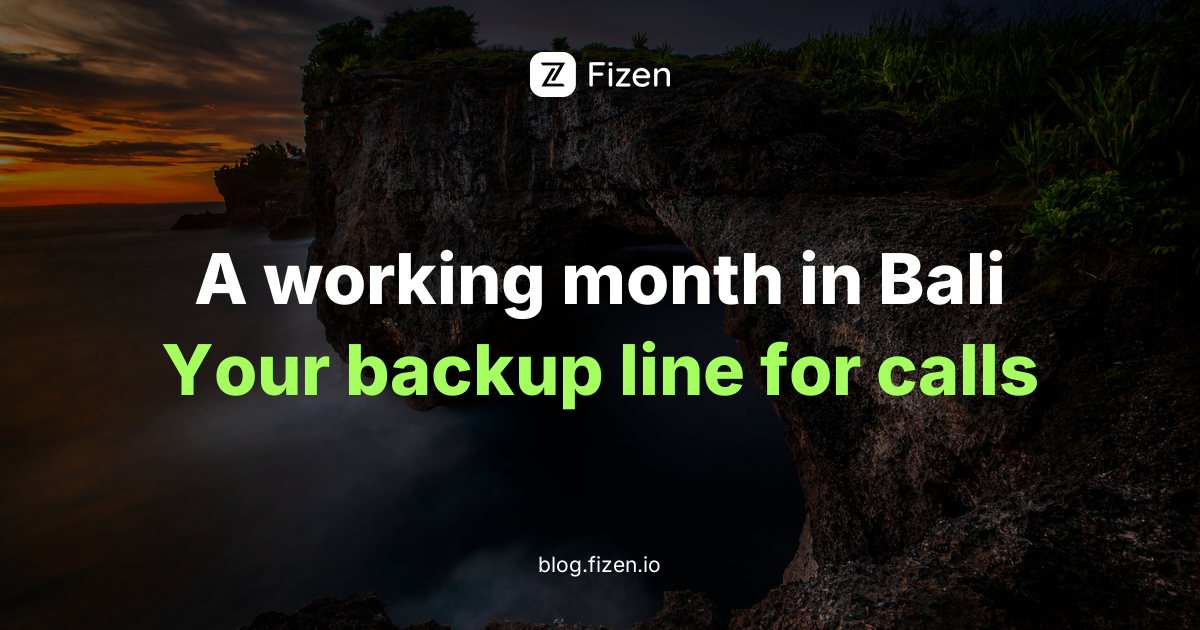
Quick answer: For a working month in Canggu or Ubud, treat mobile data as your backup office line and size it for 30 days. On 25 October 2026 Fizen's Indonesia country plan is unlimited data on Indosat 4G and 5G for 3 to 30 days, with no speed cap stated. Lighter users can take an 18-country Asia plan in 5, 10, 20 or 50 GB. Install it at home before you fly.
Key takeaways
- Unlimited is the month plan. Indonesia country plan: unlimited on Indosat 4G/5G for up to 30 days, no speed cap stated (catalogue, 25 October 2026).
- Bali Wi-Fi is good until it is not. A May 2025 power cable fault blacked out much of the island.
- Nyepi switches mobile data off. In 2026, from 6am on 19 March to 6am on 20 March. Fibre Wi-Fi stayed on.
- A local SIM in a foreign phone needs IMEI registration. A travel eSIM skips that counter.
The rain came in sideways over the rice fields behind my Canggu villa, the Wi-Fi router blinked red, and my client call was in ten minutes. I had a scooter, a laptop and a phone that was supposed to be the backup, and the backup was a roaming plan that had quietly run out on day nine. A month in Bali is mostly easy. The hard part is the hour when the villa Wi-Fi gives up.
The fix: buy and install the eSIM at home on Wi-Fi, keep your home SIM on for bank SMS, and turn the travel line on when you land at Ngurah Rai.
Where do nomads actually work in Canggu and Ubud?
Canggu is the social one. A January 2026 guide from Bali Home Immo lists BWork on Jalan Nelayan as a large full coworking space, Tropical Nomad on Jalan Subak Canggu 2 as the open, social option, and the cafe at ZIN on Jalan Nelayan as a free laptop-friendly spot where you should bring headphones. Ubud is quieter: Outpost in Penestanan and Ubud Co-Working in Petulu, with proper desks and chairs.
The same guide's best advice: buy one day pass and test the speed at busy hours before committing to a month. The eSIM covers everything between the desk and your bed: Gojek or Grab rides, maps on the scooter, messages from the villa owner.
Which network does a Bali eSIM use?
On 25 October 2026 the Fizen Indonesia country plan is unlimited data on Indosat, 4G and 5G, in 3, 5, 7, 10, 15 and 30 day windows. The catalogue states no speed cap on these plans. For a month with video calls, this is the plan that removes the arithmetic.
The Asia plans, covering 18 countries, use PT Hutchison (the 3 network) in Indonesia, in 1, 5, 10, 20 and 50 GB from 3 to 30 days, slowing to 128 kbps after the data. They suit a lighter month or a regional loop on one eSIM. Hotspot support is set per plan; check Package details.
How much data does a month of remote work in Bali use?
Zoom's own bandwidth table is the honest yardstick: a one-to-one 720p call peaks at about 1.2 Mbps each way, roughly 1 GB an hour, and a 720p group call at 2.6 Mbps up and 1.8 Mbps down, close to 2 GB an hour. Audio-only uses 60 to 80 kbps. Rough working estimates for 30 days:
Most Fizen eSIMs cannot be topped up: more data means a new eSIM, so size for the whole month. Torn between 50 GB and unlimited? Take unlimited.
Most Fizen eSIMs cannot be topped up: more data means a new eSIM to install, so size for the whole month, not the first week. If you are unsure between 50 GB and unlimited, take unlimited.
What happens to mobile data on Nyepi and during a blackout?
Nyepi, the Balinese Day of Silence, falls in March. In 2026, under a ministerial circular, cellular data was suspended from 6am on 19 March to 6am on 20 March, while fibre Wi-Fi stayed on. A travel eSIM uses the same Indonesian networks, so it goes quiet too. If your month includes Nyepi, confirm the 2027 date locally and finish deadlines the day before.
Blackouts are rarer but bigger. On 2 May 2025 a fault in the undersea cables carrying power from Java cut electricity across much of Bali; PLN restored supply by sunrise on 3 May, and tourists reported intermittent mobile and internet. Keep a charged power bank and offline copies of tomorrow's files.
How do I install the eSIM before flying to Bali?
- Check the phone. It must support eSIM and be carrier-unlocked; check the compatibility list first.
- Buy before you fly. Pick the data size and days on the web store, paying by card, Apple Pay or Google Pay.
- Install at home on Wi-Fi. Supported iPhones install with one tap; other phones scan a QR code.
- Keep your home SIM. Label the line "Bali data", keep the home SIM on for bank SMS, set the eSIM as the data line.
- Switch on after landing. Turn the line on and enable data roaming for it only. Most plans start counting days on first connection; Package details says which.
Prefer to pay in USDT on Solana or BNB Chain? Buy inside the Fizen app instead: new users get US$10 of eSIM credit in the Fizen app's eSIM tab.
What if the eSIM fails halfway through the month?
If the eSIM fails because of a fault on Fizen's side, you get a free 1-for-1 replacement for the length of the trip, or a refund for the days you could not use, handled by a real person in the in-app chat. Changed plans? An unused, not-yet-installed eSIM can usually be taken back; eligibility depends on the plan, check Package details or ask chat. An installed eSIM cannot be returned for a change of mind.
When is an Indonesian SIM the better choice?
A local SIM works, with paperwork. A foreign phone on an Indonesian SIM needs its IMEI registered: for stays of 90 days or less, a university guide for international arrivals says you register at a Telkomsel, XL or Indosat outlet with your passport, free, valid three months and extendable once. Longer stays register through customs, and phones over US$500 can owe tax.
The local SIM wins if your phone has no eSIM, if you need an Indonesian number, or if your month moves on to smaller islands: on the Gilis, seller guides report Telkomsel reaching where other networks are weak. For Canggu and Ubud, installing at home skips the outlet and keeps your home number on for bank codes.
Sorted, the storm is just weather: the router blinks red, you switch on the hotspot, and the call starts on time.
Frequently asked questions
What is the best eSIM for digital nomads in Bali?
One sized for the whole month. Fizen's Indonesia plan is unlimited on Indosat 4G/5G for up to 30 days, no speed cap stated (25 October 2026).
Does mobile data work in Bali on Nyepi?
No. In 2026 cellular data was suspended for 24 hours from 6am on 19 March. Fibre Wi-Fi stayed on, and travel eSIMs use the same networks.
Do I need to register my phone's IMEI to use a Bali eSIM?
The IMEI rule applies to foreign phones on an Indonesian SIM. Short stays register at an operator outlet with a passport.
Is Canggu or Ubud better for remote work?
Canggu has more coworking spaces and a social scene; Ubud is quieter. Test a day pass at busy hours first.
Can I top up a Bali eSIM?
Usually not. Most Fizen eSIMs cannot be topped up; more data means a new eSIM, so buy for the full month or take unlimited.
Get your Indonesia eSIM before you fly to Bali
Pick the data size and days for your month and install at home on Wi-Fi. Pay by card via Stripe (international Visa or Mastercard, Apple Pay, Google Pay), or with USDT on Solana or BNB Chain in the Fizen app.
Terms and conditions
- Information only. This article is information only, not an offer or sale, and not financial, legal, tax, visa or travel advice. Plan details were read from the Fizen catalogue on 25 October 2026 and can change; check Package details before you buy.
- For readers in the United States. This is information only, not an offer or sale, and not advice. Fizen products and services are not offered to US Persons.
- Data-only. Travel eSIM plans are data-only and do not include an Indonesian phone number. Keep your home SIM active for calls and SMS.
- Faults and returns. A verified Fizen-side fault gets a free 1-for-1 replacement for the length of the trip, or a refund for the days you could not use. If plans change, an unused eSIM that is not installed yet can usually be taken back; eligibility depends on the plan, check Package details or ask chat. An installed eSIM cannot be returned for a change of mind.
Sources
- Bali Home Immo, Best coworking spaces in Bali 2026: Canggu, Ubud and beyond (16 January 2026)
- What's New Indonesia, Internet and mobile data in Bali during Nyepi 2026
- Travel Talk Media, Blackout in Bali: power outage disrupts tourist hotspots (5 May 2025)
- UIII, Internet access and IMEI registration for international arrivals
- Travel SIM Asia, Gili Islands carrier coverage (updated 23 October 2026)
- Zoom, Calculating bandwidth usage for Zoom Meetings (opened 25 October 2026)
- Fizen Docs, eSIM 1:1 Trip Guarantee and refunds
Fizen catalogue facts (carrier, networks, throttle, plan sizes) read on 25 October 2026. Local facts checked on 25 October 2026.