How to Add a Crypto Card to Apple Pay and Google Pay (2026)
Turn a USDT balance into tap-to-pay: adding a virtual crypto card to Apple Pay and Google Pay, step by step.

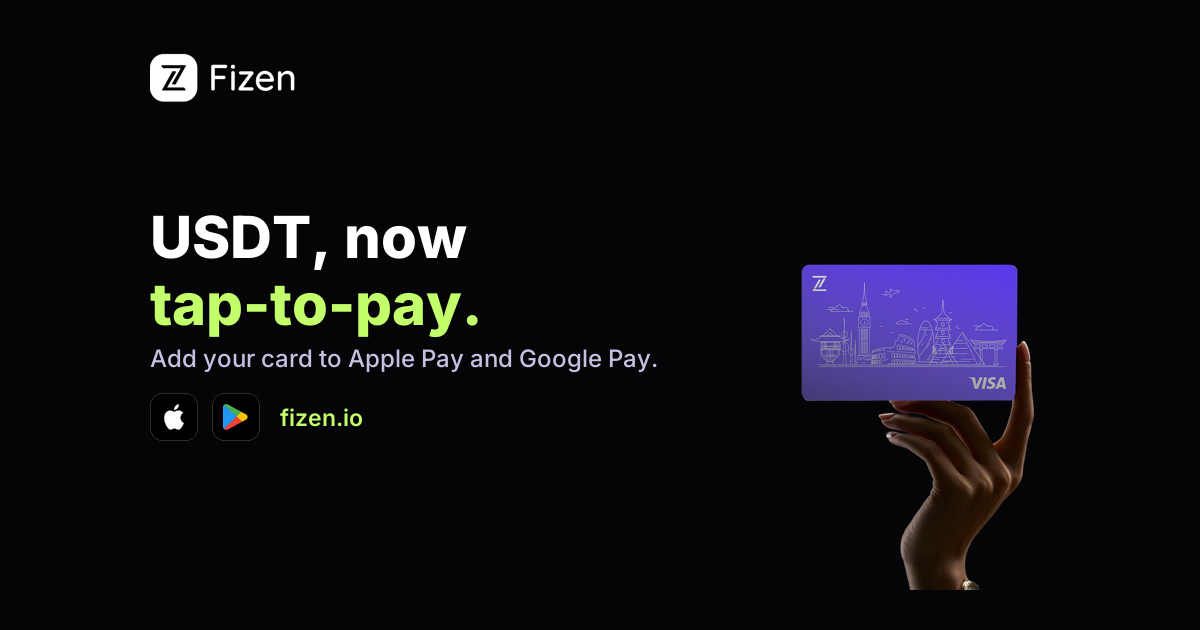
The best version of a crypto card is the one you never take out of your pocket. Add a virtual card to Apple Pay or Google Pay and your USDT balance becomes a tap of your phone at any contactless terminal: coffee, groceries, the metro. Here is exactly how to set it up, and why it sometimes fails.
Add your card to Apple Pay
- 1. Create your virtual card in the Fizen app and copy its number, expiry, and CVV.
- 2. Open Wallet on iPhone, tap the plus, choose Debit or Credit Card, and enter the details.
- 3. Approve the verification step and wait for 'Card added'. Done: hold the side button and tap to pay.
🎁 Reader bonus: Code c12M → up to 10% cashback + FiPoints on every spend. T&Cs apply.
Claim your card →Add your card to Google Pay
- 1. Open Google Wallet, tap Add to Wallet, then Payment card.
- 2. Enter the virtual card details from the Fizen app.
- 3. Confirm verification and set it as your default for tap-to-pay if you like.
Why adding a card sometimes fails
Phone wallets only accept cards whose issuers support network tokenization. Many prepaid BINs do not, which is why some crypto cards refuse to add. Cards that process as a standard Visa, like Fizen's, behave like a normal bank card here. If a card fails to add, the card is the problem, not your phone.
Tap-to-pay abroad
Once added, the phone tap works at any contactless terminal worldwide, with no roaming setup and no plastic to lose. Pair it with QR Pay in Vietnam and the Philippines and the same balance covers both the mall and the street market.
Frequently asked questions
Can I add a crypto card to Apple Pay?
Yes, if the issuer supports tokenization. Create the virtual card, then add it in Wallet like any bank card. Fizen's virtual Visa processes as a standard card.
Does Google Pay work with crypto cards?
Yes, the same way: add the virtual card details in Google Wallet and tap to pay anywhere contactless is accepted.
Why won't my crypto card add to my phone wallet?
The issuer's BIN likely lacks tokenization support. Choose a card that processes as a standard Visa instead.
Is tap-to-pay with a crypto card safe?
Phone wallets tokenize the card, so the terminal never sees your real number. Combined with a prepaid balance, exposure stays capped.
Your crypto is one Wallet screen away from tap-to-pay. Issue the card, add it to your phone, and buy the next coffee with USDT.
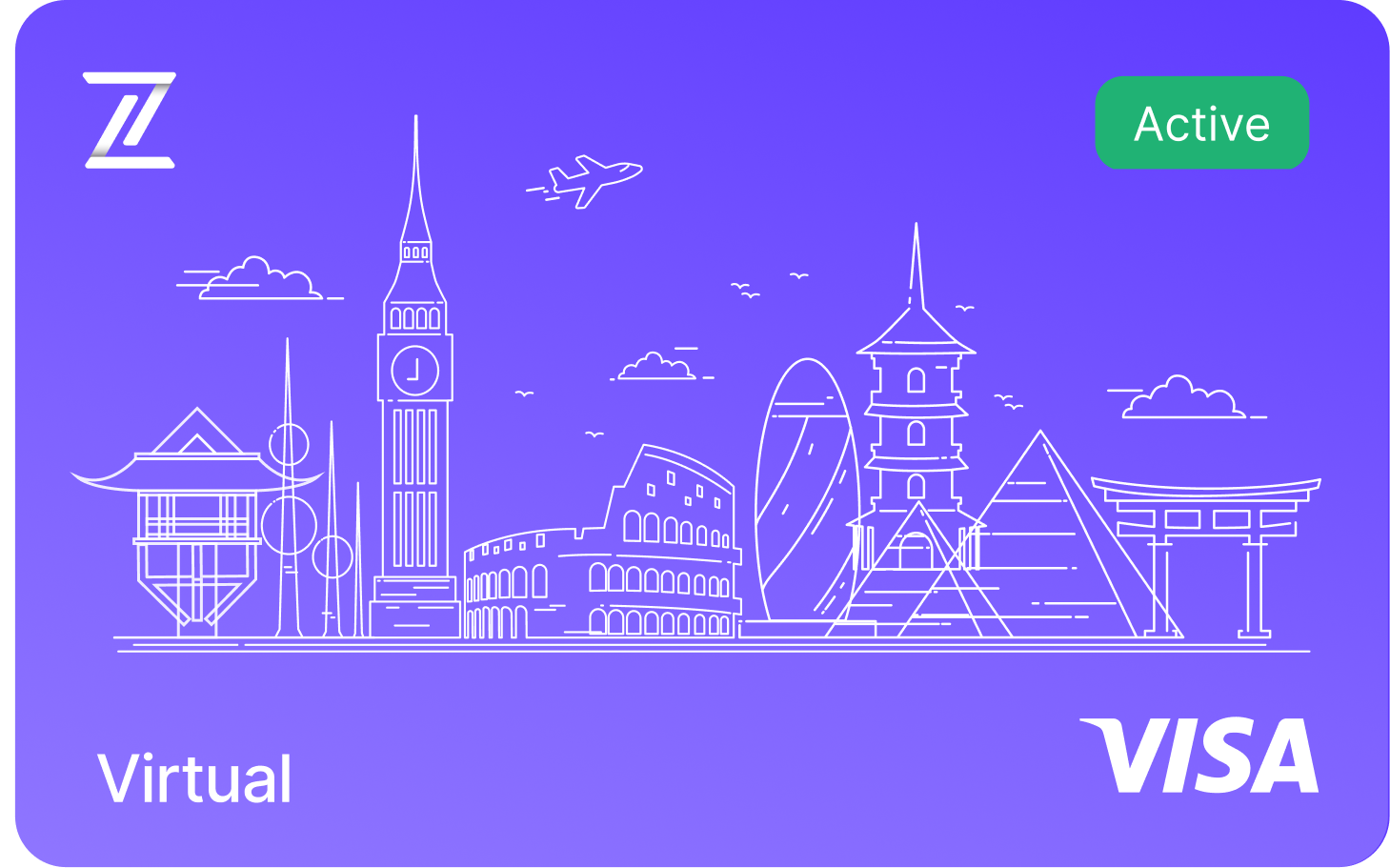
Fizen Virtual Visa Card
The best card for SaaS, ChatGPT, Claude, Netflix, Spotify, Amazon, Google, Meta, Tiktok Ads. Spend USDT like cash globally.
Fizen Card processes as a standard Visa and is accepted wherever Visa is supported. Whether any individual charge is approved still depends on the merchant and their payment processor at the time of payment. Fizen Card is issued under applicable regulations. Users should verify availability in their jurisdiction. This article is for informational purposes only and does not constitute financial advice. More details about Fizen Card, please refer to Fizen Card Docs and Terms of Use.
Related guides
More guides
Terms and conditions
- Information only. Fizen publishes this article to inform, not to sell. Nothing here is an offer or solicitation, and it is not financial, investment, legal or tax advice. Prices, rules and availability change; check official sources.
- For readers in the United States. This article provides information only. It is not an offer, solicitation or sale of any product or service, and it is not financial, investment, legal or tax advice. Fizen is not offered to US Persons.
- Full terms. Master Terms of Use, Privacy Policy and Disclaimer on the Fizen site.