Your US$10 QR Pay Gift: How to Claim the Fee Vouchers and Use One on Every Payment
New Fizen users get US$10 in QR Pay fee vouchers. Claim them from the home screen, then apply one on every payment so the fee comes off.
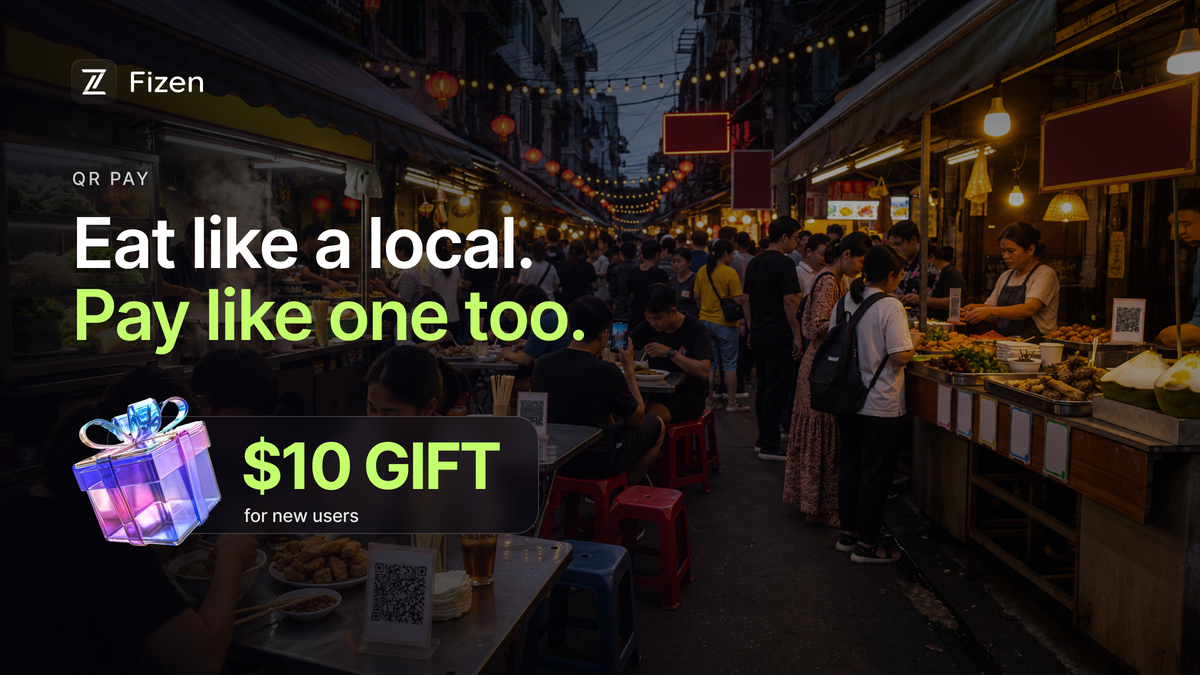
Quick answer: Only new Fizen app users get the US$10 QR Pay gift: 50 fee vouchers of US$0.20 each, valid for 3 months. Tap Claim on the "Enjoy $10 QR Pay fee discount!" card on the home screen, then apply one voucher on the confirm screen every time you pay a QR code. Each voucher takes up to US$0.20 off the fee of that payment.
Key takeaways
- New users only, US$10 in total: 50 vouchers, each worth up to US$0.20 off the fee of one QR Pay payment. Existing accounts do not get it.
- Claim once: tap Claim on the home-screen card. The vouchers then sit in My vouchers.
- Apply it manually, every time: vouchers are never applied automatically. Pick one on the confirm screen before you pay.
- Use them within 3 months: vouchers you have not used by then expire.
You scan the noodle stall's QR code, the amount is right, and a small fee sits under it. The US$10 gift is there to take that fee off, one payment at a time. It only works if you claim it once and remember to apply it each time you pay.
What is the US$10 QR Pay gift?
It is a welcome gift for new Fizen app users only, paid as fee vouchers for Fizen QR Pay, the feature that lets a visitor pay with USDT at any shop QR code in Vietnam (VietQR, VNPay, MoMo, ZaloPay) or the Philippines (QR Ph). The shop still receives local money.
| What | Detail |
|---|---|
| Total value | US$10 |
| Vouchers | 50 vouchers of US$0.20 |
| Per payment | 1 voucher, up to US$0.20 off the fee |
| Valid for | 3 months |
| Works on | QR Pay payment fees only |
It is separate from the US$10 eSIM gift, which new users get in the eSIM tab, and from referral fee vouchers, which you earn by inviting friends (up to US$50 in total).
How do I claim the vouchers?
- Update the Fizen app to the latest version and open it.
- On the home screen, find the card "Enjoy $10 QR Pay fee discount!".
- Tap Claim. Do not tap Ignore if you want the gift.
- Your 50 vouchers are added to My vouchers, where you can see how many are left and when they expire.
Claiming is a one-time step, and the gift is for new users only. If you are new and do not see the card on your home screen after updating, contact Fizen support in the app.
How do I use a voucher when I pay?
This is the step most people miss: vouchers are applied manually. The app does not add one for you, so choose a voucher on every payment.
- Open QR Pay and tap Scan to spend.
- Scan the shop's QR code and enter the amount if the code does not include it.
- On the confirm screen, tap the voucher line and choose a QR Pay fee voucher.
- Check that the fee has gone down, then confirm the payment.
- Next payment, do it again: one voucher per payment.
With 50 vouchers you can cover the fee on 50 payments, which is roughly two coffees and a street-food meal a day on a two-week trip.
What do I need before my first payment?
- Identity check (KYC), done once in the app. Payments only work after it is approved.
- USDT on BNB Chain or Solana in your QR Pay balance. Moving it from your Fizen wallet on BNB Chain costs no gas; on Solana you need a little SOL. USDT on another network, or another token, cannot be deposited into QR Pay.
- Limits: US$800 per payment and US$1,000 per week. There is no daily limit.
- Visitors only: in Vietnam and the Philippines, QR Pay is for travellers and foreigners. Residents cannot use it to pay in their own country.
Frequently asked questions
Can I use two vouchers on one payment?
No. You can apply one voucher per payment, worth up to US$0.20 off that payment's fee.
Is the voucher applied automatically?
No. Vouchers are applied manually: choose one on the confirm screen every time you pay, before you confirm. If you skip it, that payment has the normal fee.
When do the vouchers expire?
They are valid for 3 months. Each voucher's expiry date is shown in My vouchers.
Can I use the vouchers for an eSIM?
No. They only reduce QR Pay payment fees. New users get a separate US$10 eSIM gift in the eSIM tab.
Who gets the gift?
Only new Fizen app users. Existing accounts do not get it. Paying with QR Pay also needs an approved identity check and USDT on BNB Chain or Solana.
Claim your US$10 QR Pay gift
Open the Fizen app, tap Claim on the home screen and pay any VietQR or QR Ph code with USDT. Fifty fee vouchers are waiting for you.
Terms and conditions
- Information only. This article explains a Fizen QR Pay welcome offer. It is not financial, legal, tax or investment advice. The offer details shown in the Fizen app, the Fizen Promotion Master Terms and the QR Pay Terms prevail over this summary, and Fizen may change or end the offer.
- For readers in the United States. This is information only, not an offer or sale, and not advice. Fizen products and services are not offered to US Persons.
- QR Pay availability. QR Pay is for cross-border use by travellers and foreigners in Vietnam and the Philippines only, and is not available to residents of those countries in their own country. It is funded only with USDT on Solana or BNB Chain; USDT on another network, or another token, cannot be deposited. KYC, KYT, AML and sanctions checks apply.
Sources
Checked against the Fizen app and Help Center on 18 November 2026.